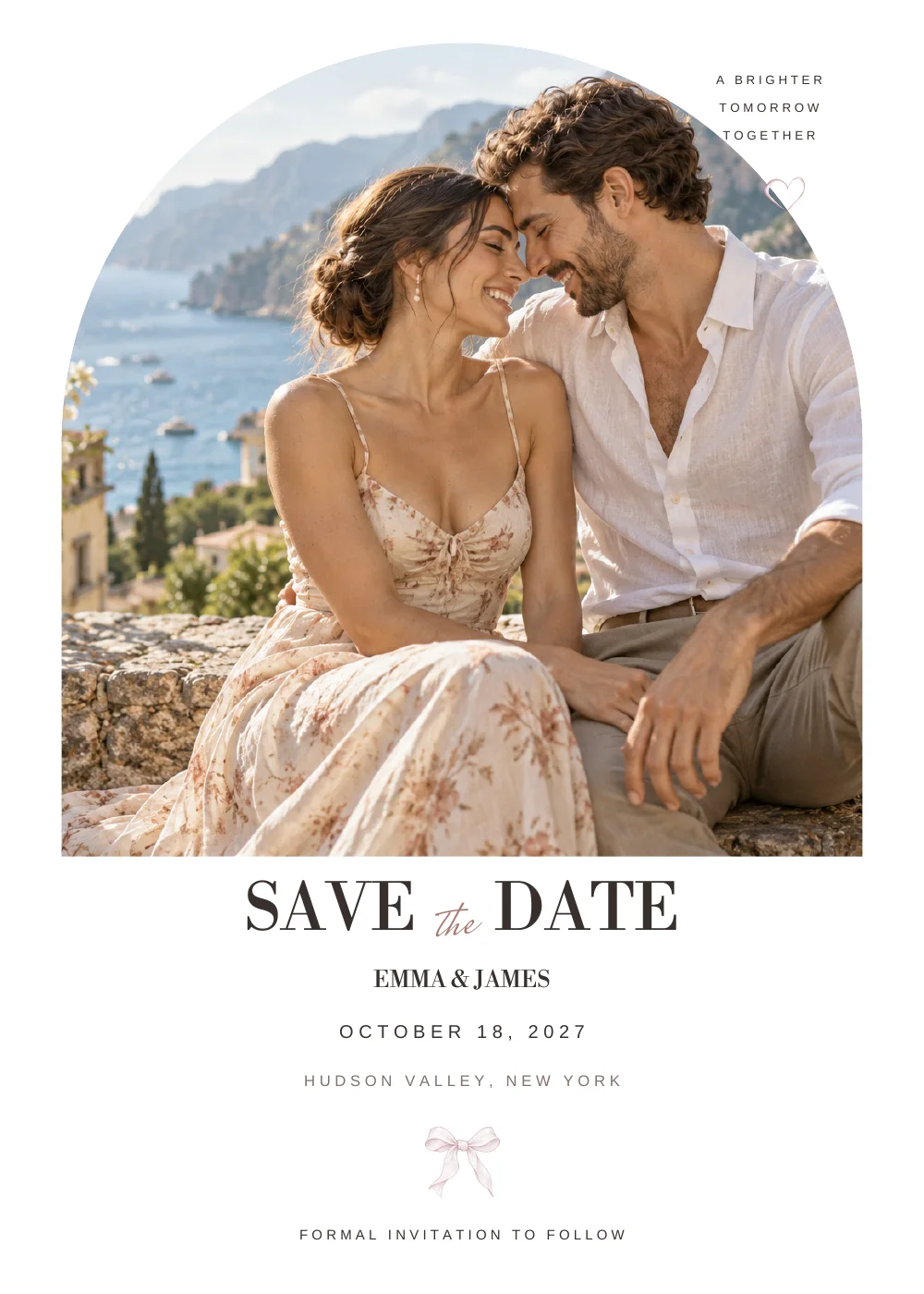
Before the day
Invitations & weekend guides
Help your guests plan their arrival and look forward to the celebration.
 Open studio ↗
HOW IT WORKS
Make your wedding newspaper. Bring the little details together.
Keep the memories long after the day.
Start without an account. Preview before you buy.
01 · FIND YOUR FEELING
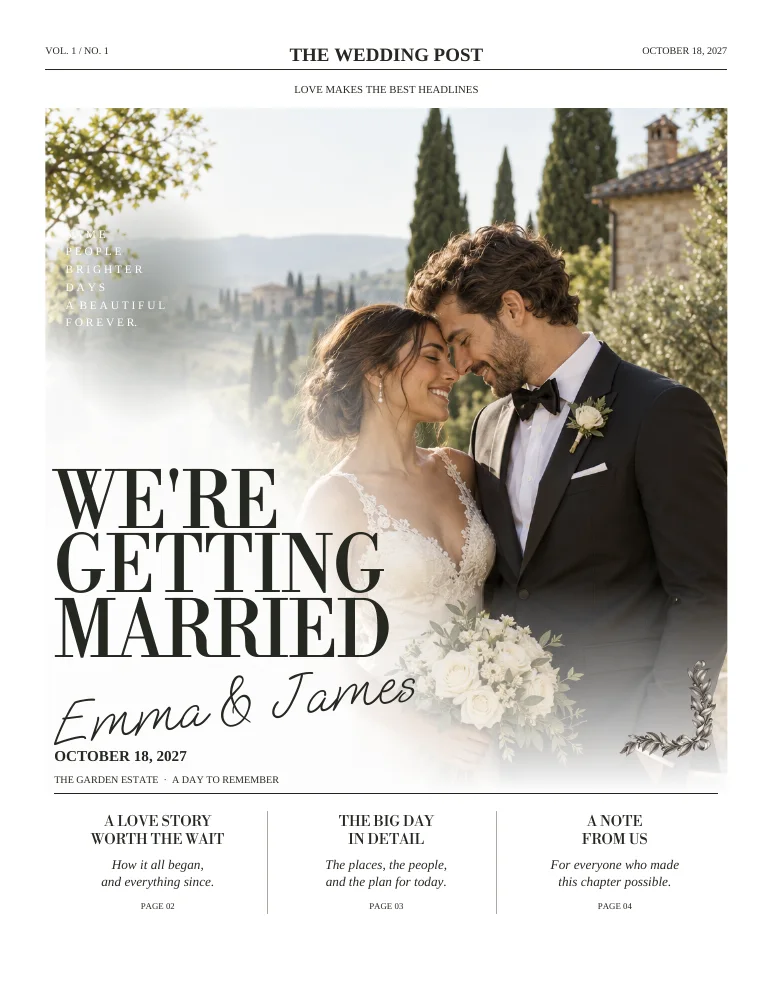
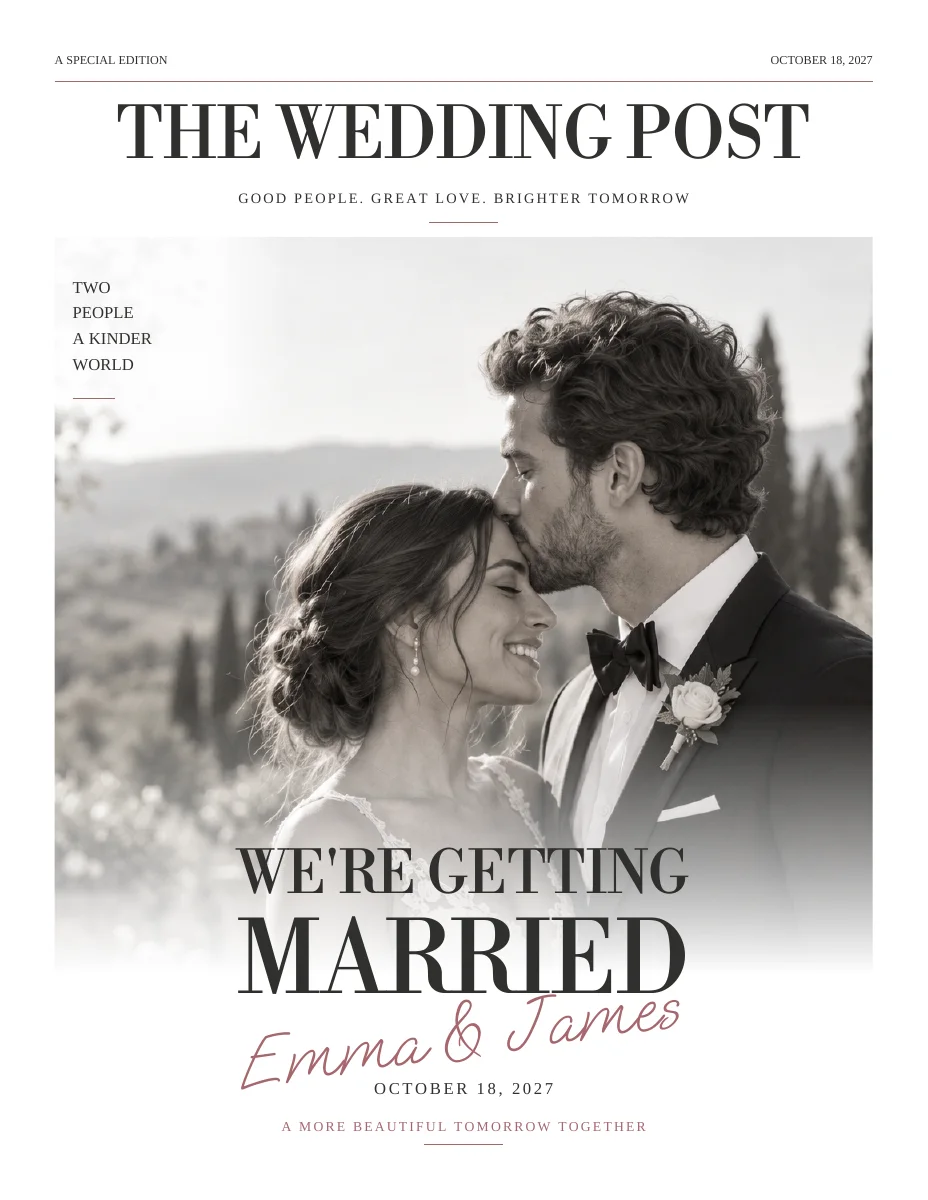
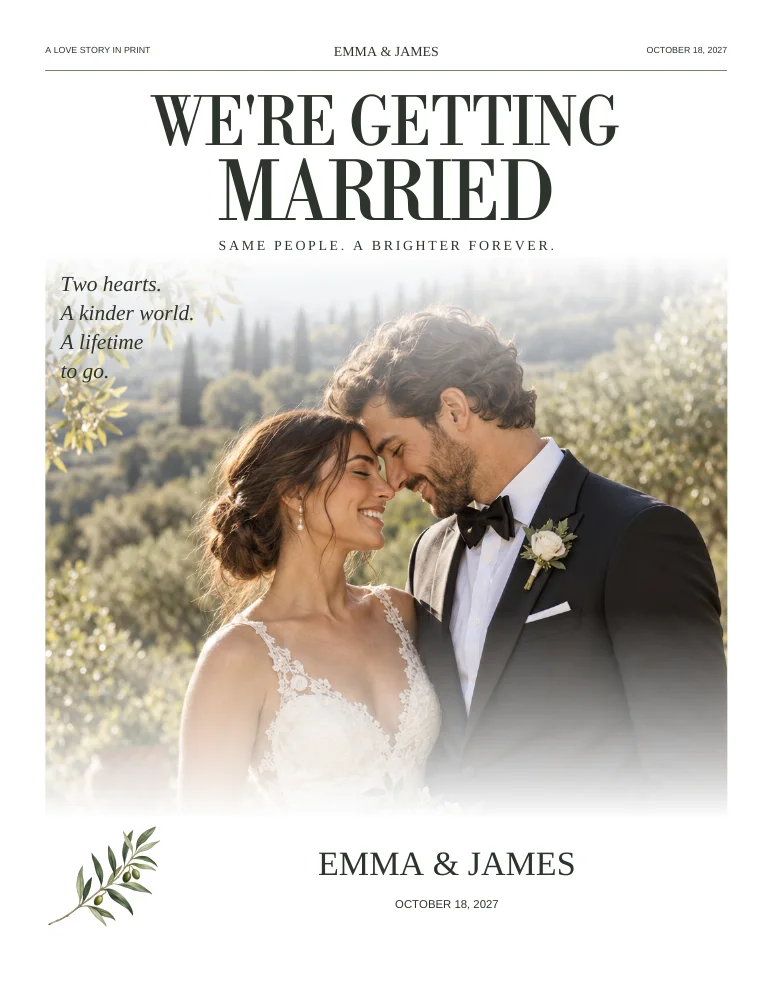
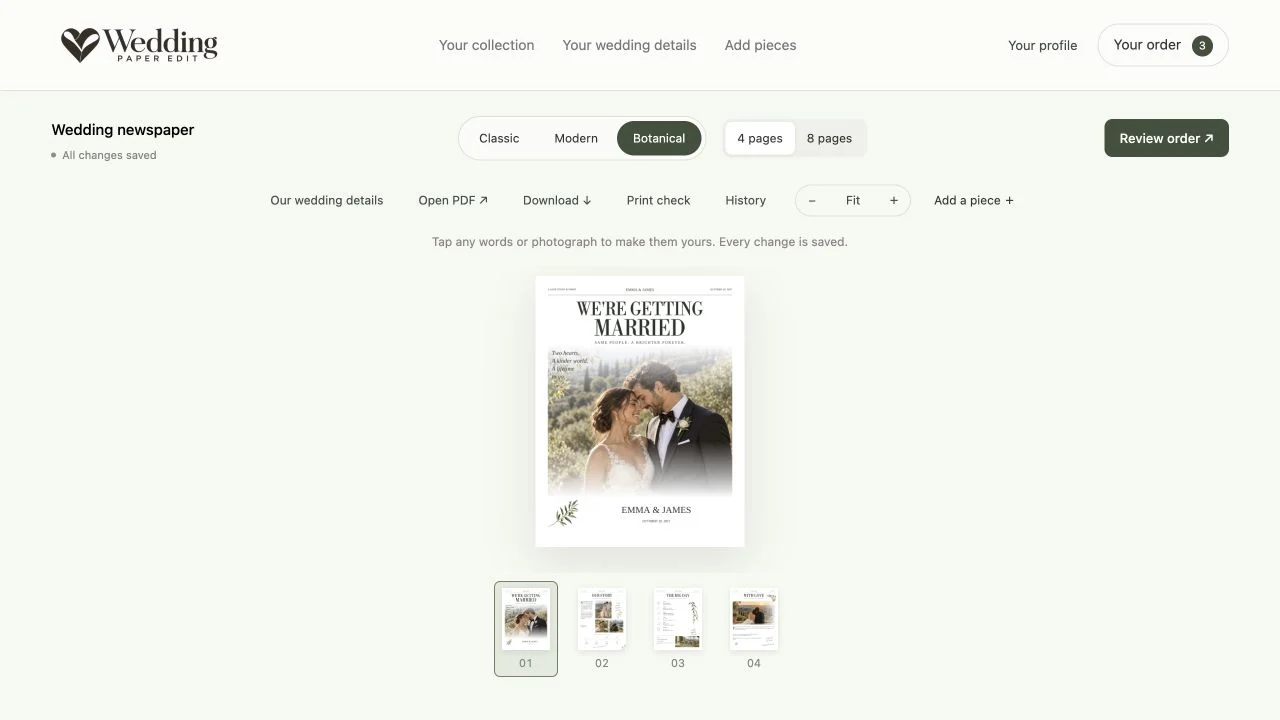
Classic, Modern or Botanical. Choose a four-page newspaper for the essentials, or eight pages for more stories, photographs and people. You can explore both in the editor.
Sample designs use fictional names and illustrative photography. Make them your own.
02 · YOUR WEDDING DETAILS
Enter your names, date and venue in Your wedding details. Add your people and their portraits, then upload your favorite photographs.
Your shared details flow into your designs. Start with what you know; you can fill in the rest later.
Add your wedding details ↗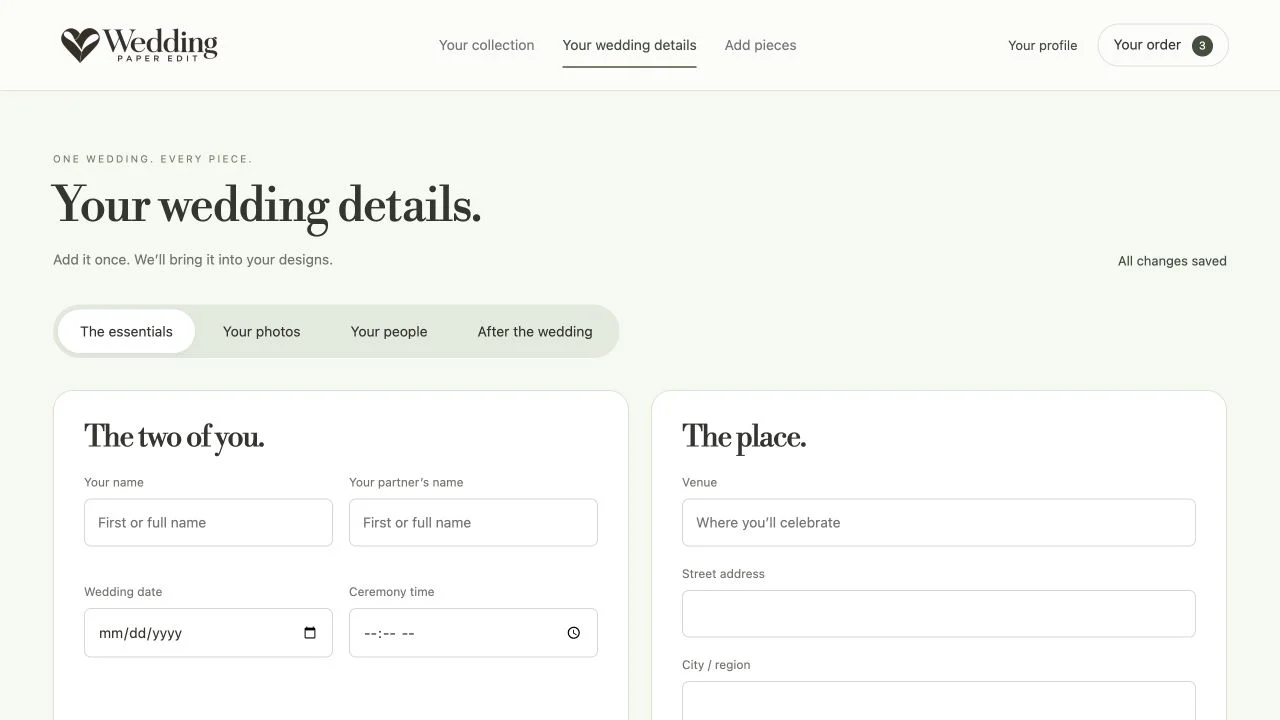
03 · THE LITTLE PERSONAL TOUCHES
Open a piece from Your collection. Select its words or photographs to edit them, and use the page thumbnails to move through your design.
Explore styles and four- or eight-page editions. Your progress saves as you work. Create an account when you want to keep working on another device.
04 · MAKE A DAY OF IT
Open Add pieces and select a preview to add it to your collection. Choose only what you need; each piece can be edited separately.
Before the day
Help your guests plan their arrival and look forward to the celebration.
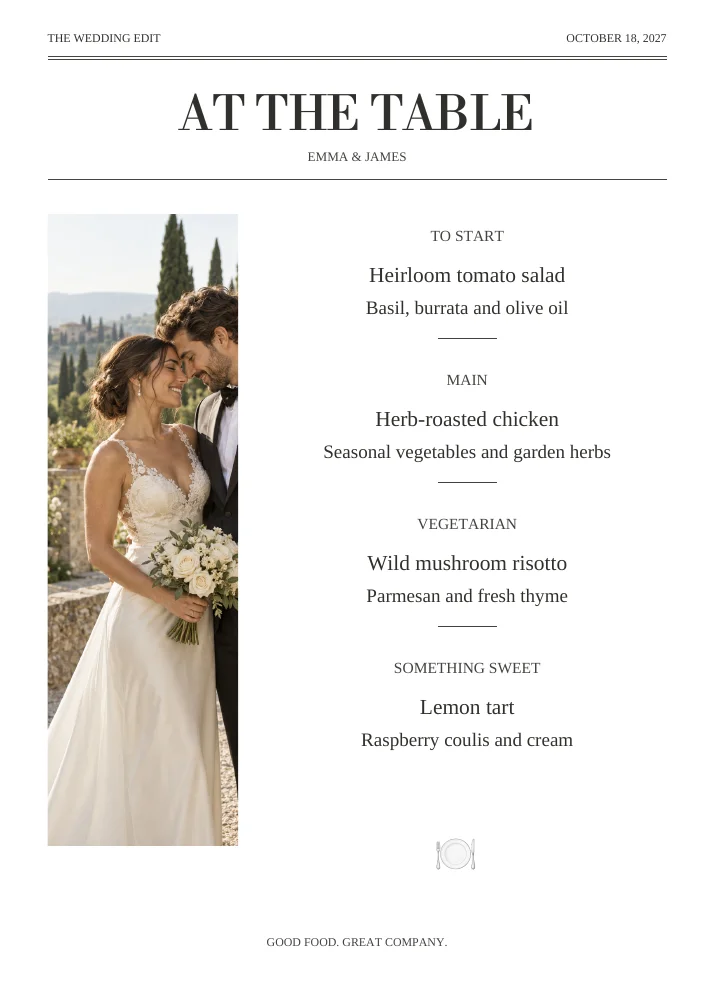
At the table
A warm welcome, a favorite drink and a place for everyone.
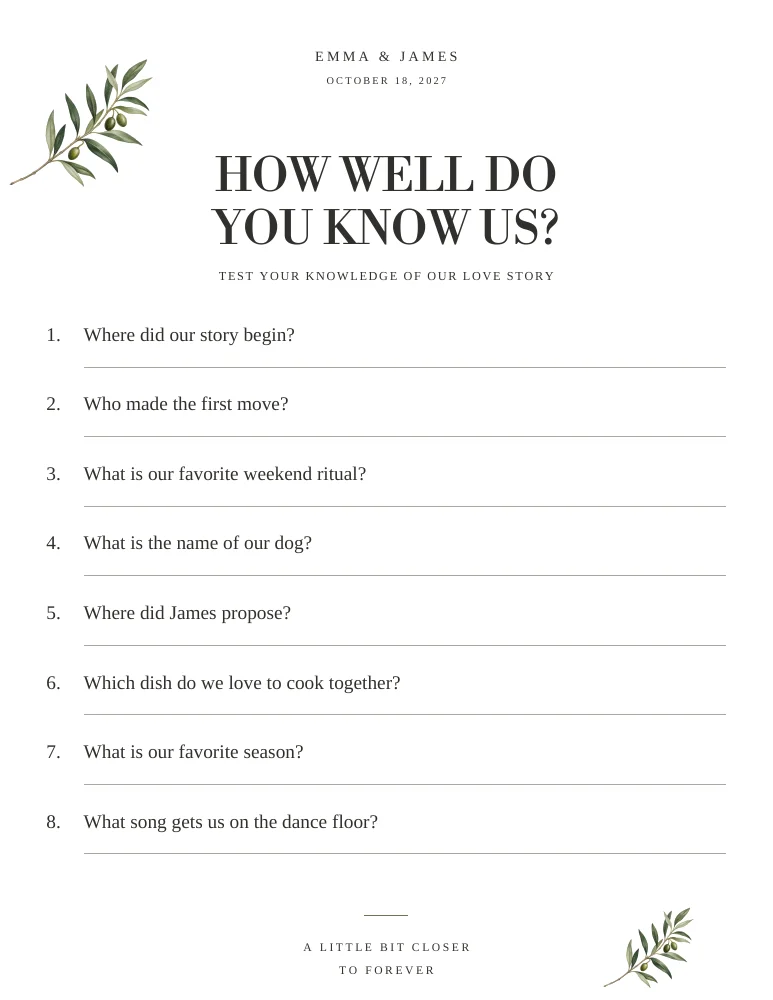
In good company
A little conversation and a little fun between the big moments.
05 · FROM SCREEN TO PAPER
Review every page, then go to Your order to check your pieces and prices. After purchase, open or download the personalized PDFs from your collection.
Print at home or send the files to a print shop. Use the printing guide for sizes and folds, confirm your printer’s requirements, and print one proof first.
Read the printing guide ↗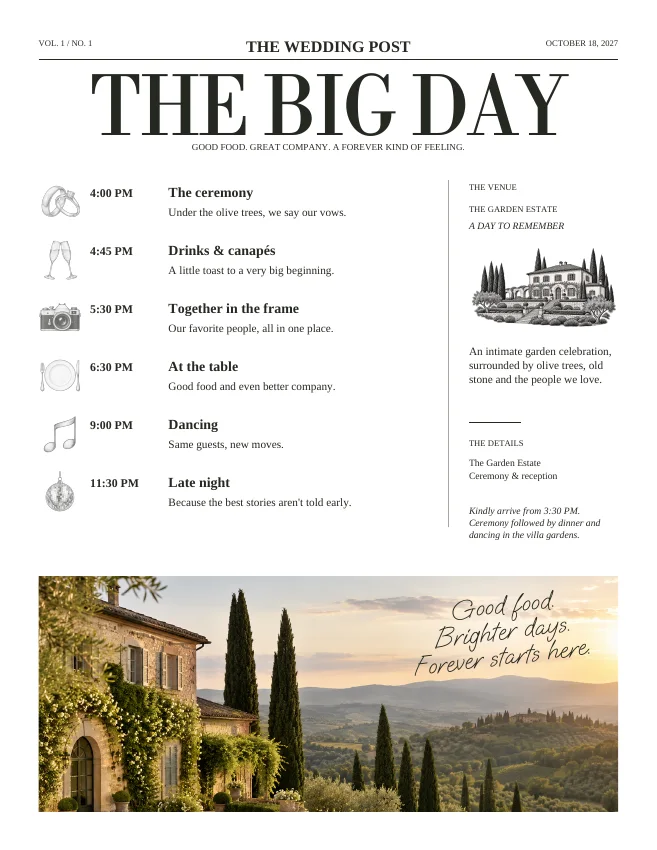
06 · AFTER THE LAST DANCE
Come back with photographs from your wedding. Turn them into personal thank-you cards and a just-married newspaper to share your favorite moments.
Your saved collection is your starting point. Edit the pieces you have, or add and purchase something new when you’re ready.
Discover your next chapter ↗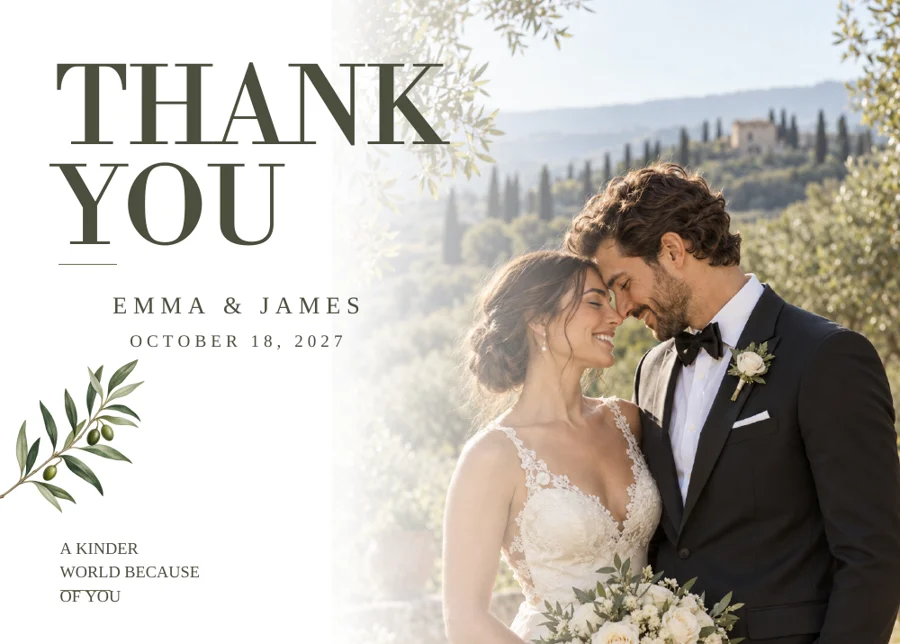
GOOD TO KNOW
Yes. Start editing without registering. Your progress stays linked to this browser. Create an account to return to your collection from another device.
No. Add shared names, wedding date, venue, photographs and people in Your wedding details. These details carry into your designs; you can then personalize each piece separately.
Yes. You can edit and preview your collection before checkout. Personalized PDF downloads are available for purchased pieces. Public sample PDFs are free to explore.
No. Wedding Paper Edit provides digital PDF files. Print at home or use a print shop. Confirm the dimensions, paper and any bleed requirements with your printer, and make a proof before ordering the full run.
Yes. Return to your collection with photographs from the day. Add or edit thank-you cards and a just-married newspaper. Additional pieces can be purchased separately.