Start with the exported document
Record the page dimensions, total page count and whether pages are supplied individually or as spreads. Review the actual file, especially if extra guest content has added pages. Tell the printer these facts before requesting a quote.
Ask the printer to confirm compatibility
Ask whether the file fits the chosen product, whether it needs blank margins or bleed, and whether they handle booklet arrangement. Do not stretch artwork into a different format just to satisfy an upload field. The finished size and text readability may change.

Choose stock using a sample
Compare papers in person if possible. Consider readability, show-through, photographs, folding and how the newspaper will be handled. A screen cannot show the feel of a sheet. Ask the supplier for a suitable stock for the exact page count and print process.
Make one complete proof
Check the order of pages, fold direction, smallest text, darkest photographs and QR codes. For individual-page home printing, inspect the scaling setting; Adobe's Actual size setting does not scale the page. Folded booklet output also needs a separate check of sheet size and the resulting finished size.
Questions to send your printer
| Confirm | Ask this | Record the answer |
|---|---|---|
| Format | Can you use this exact PDF page size? | Accepted finished size |
| Pagination | Do you want single pages or spreads? | Required page arrangement |
| Edges | Do you need margins, bleed or crop marks? | Product-specific measurements |
| Paper | Which stock supports this fold and page count? | Stock and finish |
| Proof | Can I check a complete physical proof? | Proof method and deadline |
Approve the correct file
Give the final PDF a clear name and remove old versions from the production handoff. Count copies from your distribution plan and include the spares you want. Confirm production and shipping dates directly with the printer rather than relying on a generic delivery estimate.
A printer handoff message
Hello, we would like to print a wedding newspaper. The attached PDF contains [number] individual pages, each measuring [width × height]. We need [quantity] finished copies for [date]. Could you confirm whether the file suits your product, which paper you recommend, and whether you arrange the booklet pages? Please also let us know your requirements for margins, bleed, crop marks and a physical proof.
Fill in the measurements from your exported PDF, not from a mockup. A clear handoff helps a printer identify a mismatch before production. Keep their reply with the approved file so you can check that the quote and final upload refer to the same specification.
Avoid the common booklet mistake
Reading order is not the same as the arrangement of pages on a printing sheet. In a folded booklet, a printer may place the last page beside the first so the sequence works after folding. Do not manually rearrange pages unless the printer specifically asks you to.
For a home test, mark the top of a blank sheet and run a short duplex proof to learn the printer's flip direction. Check the entire folded sequence, including blank faces. If the result is upside down or the page order is wrong, solve that before using the final paper. An individual-page preview alone cannot prove the folding setup is correct.
ON THE PAGE
See how it comes together.
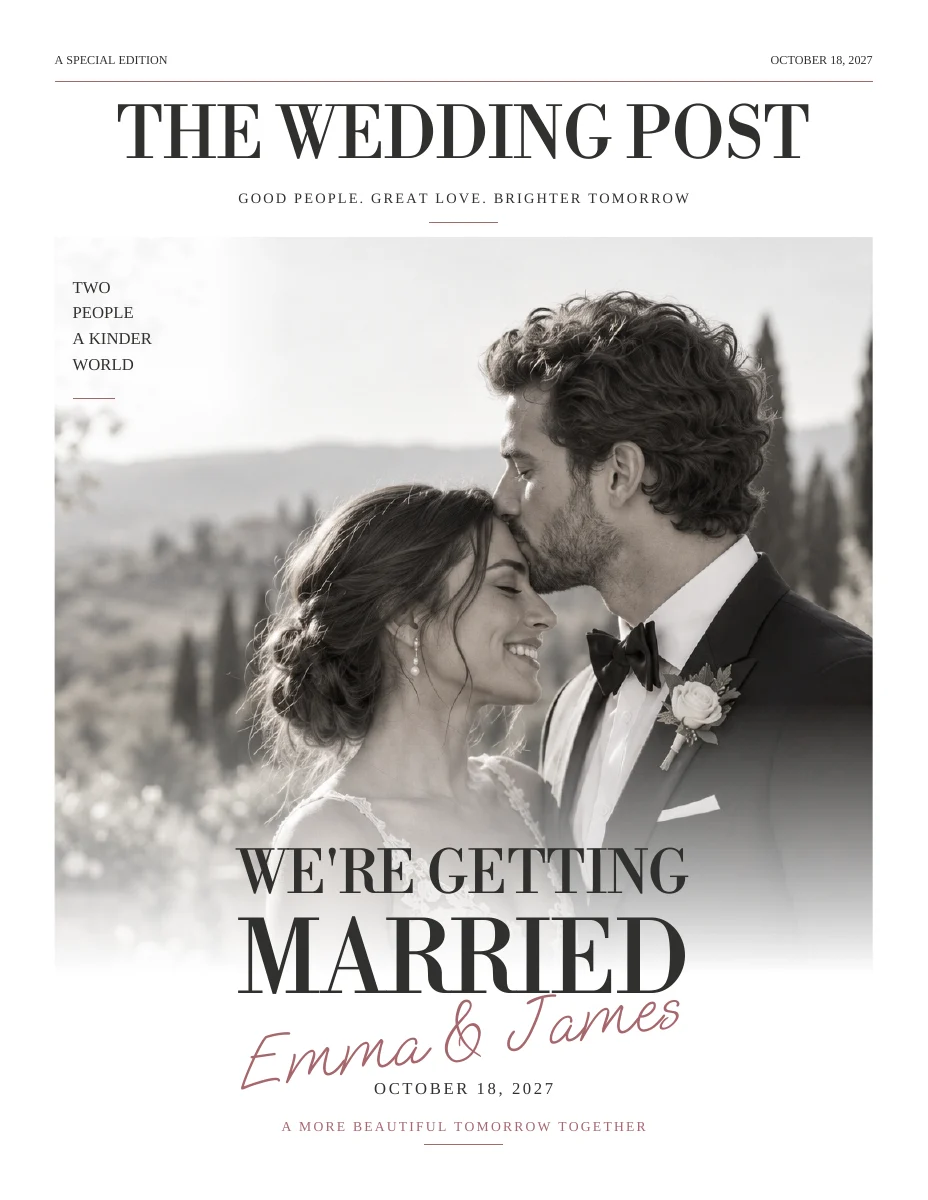
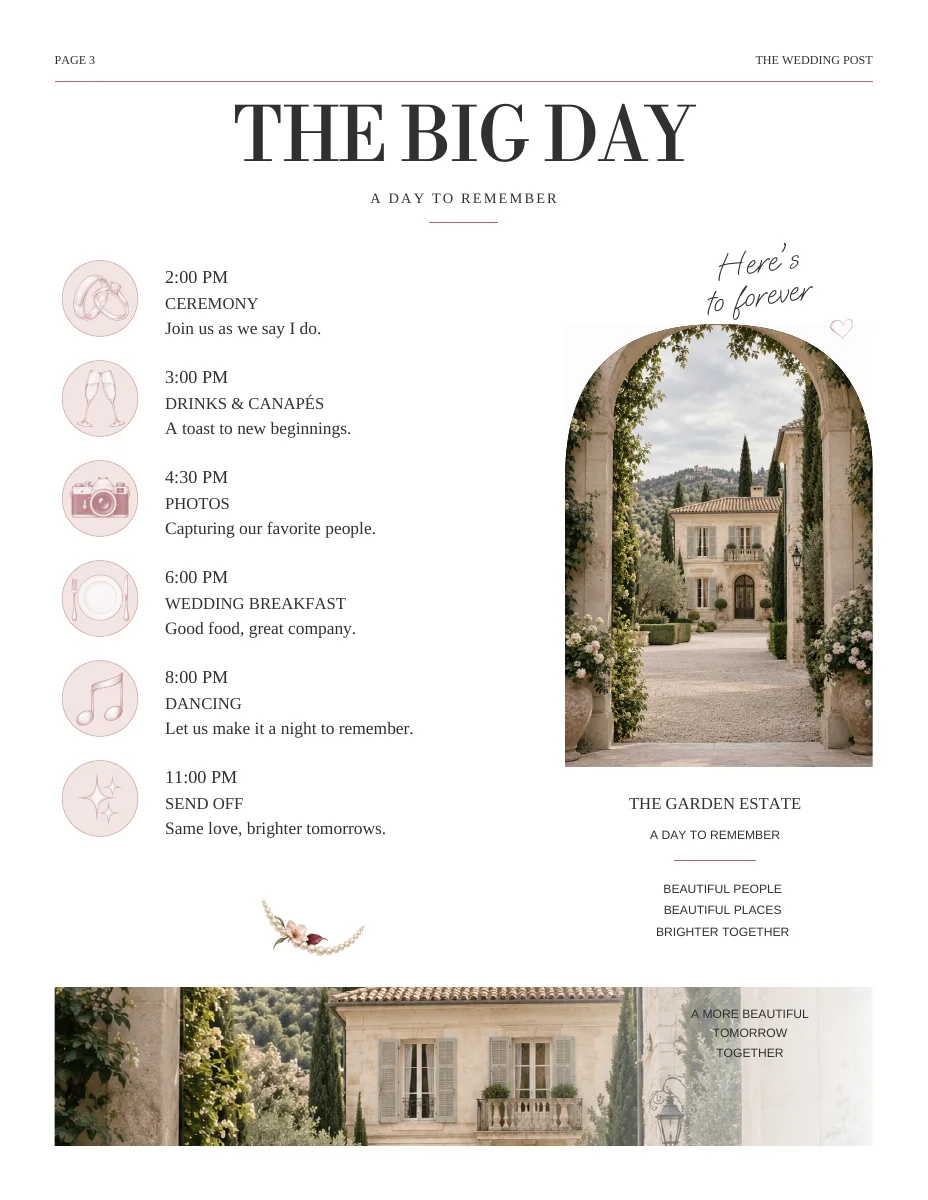
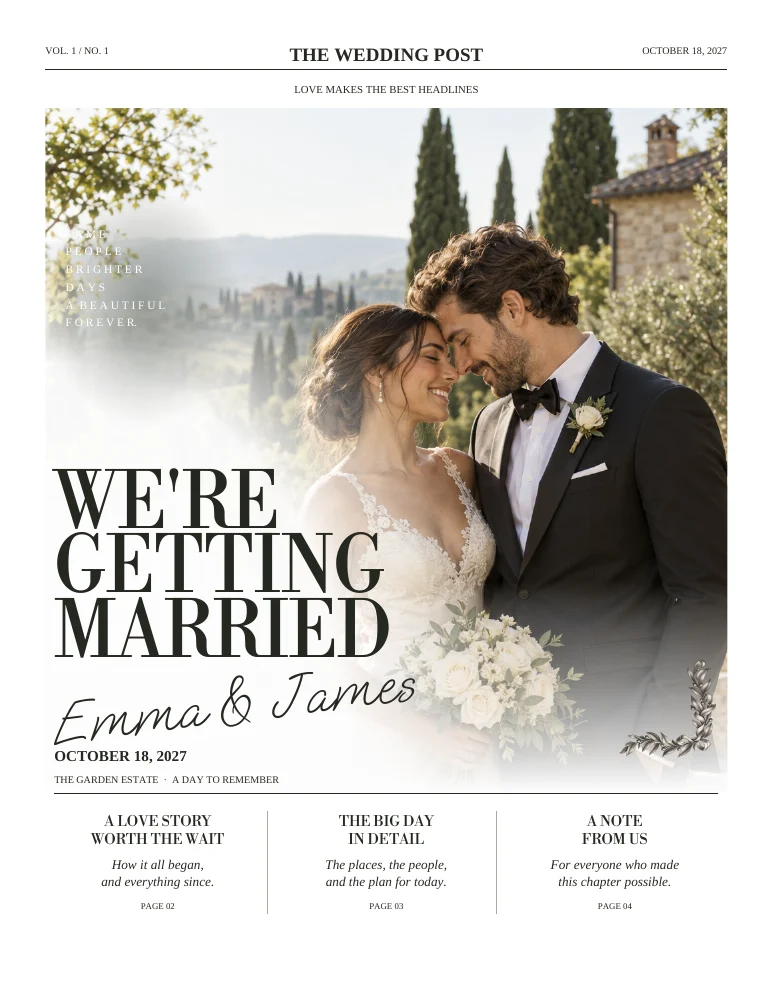
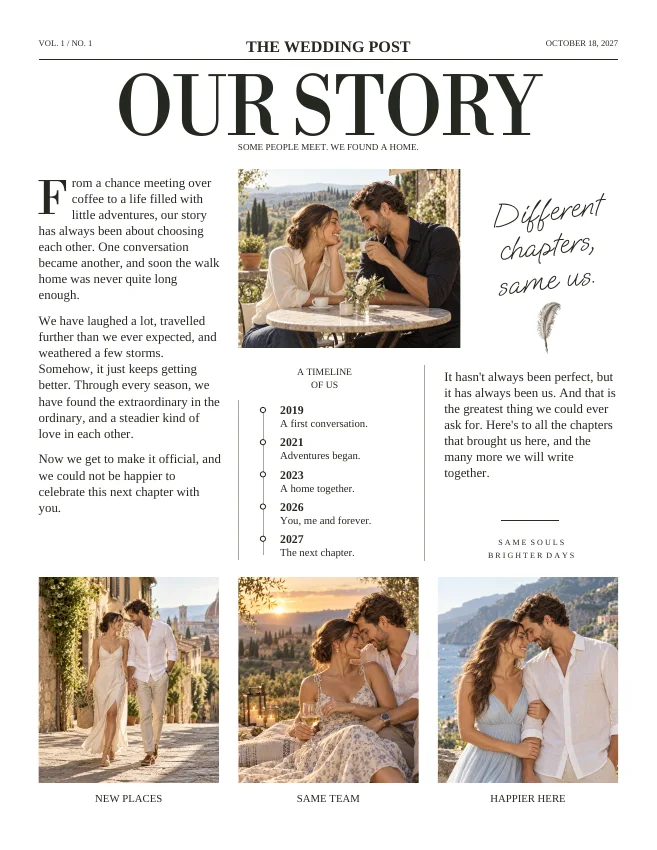
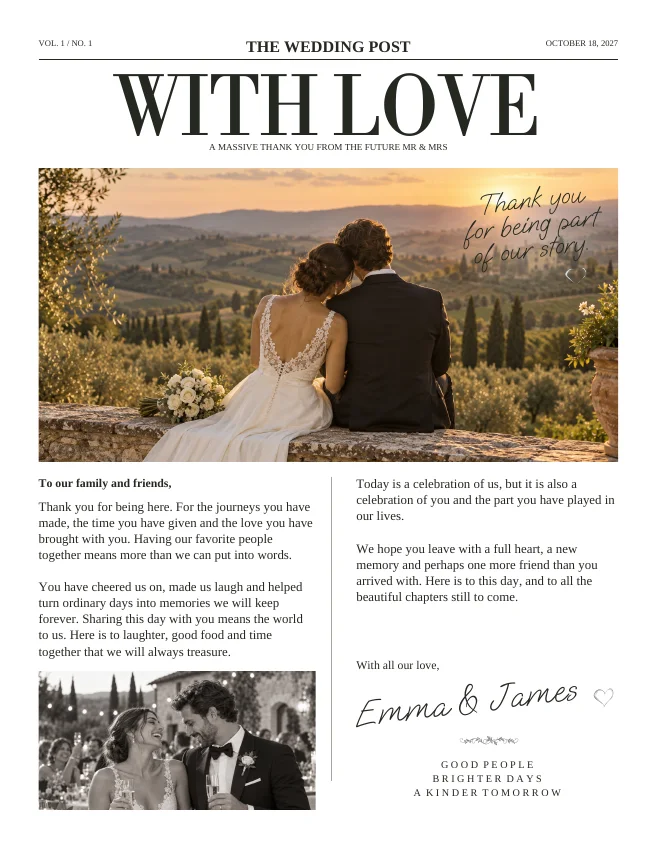
Actual sample pages from Editorial Classic. Open a page to explore the PDF. Replace the fictional details and sample photographs with your own.
KEEP IT SIMPLE
Your next steps
- Dimensions and actual page count recorded
- Printer has accepted the file
- Paper proof includes folds and QR test
- Final file and quantity clearly identified
Further reading
Confirm the requirements of the printer you choose. These references explain the print settings discussed above.
GOOD TO KNOW
A few things you might be wondering.
Can I print at home?
Possibly, if your printer supports the required sheet size, paper and duplex arrangement. Test the complete folded piece before buying supplies.
Should I add crop marks?
Only if the printer requests them and the PDF export supports the required setup. Unrequested marks can be treated as artwork by some print workflows.