Start with four essential jobs
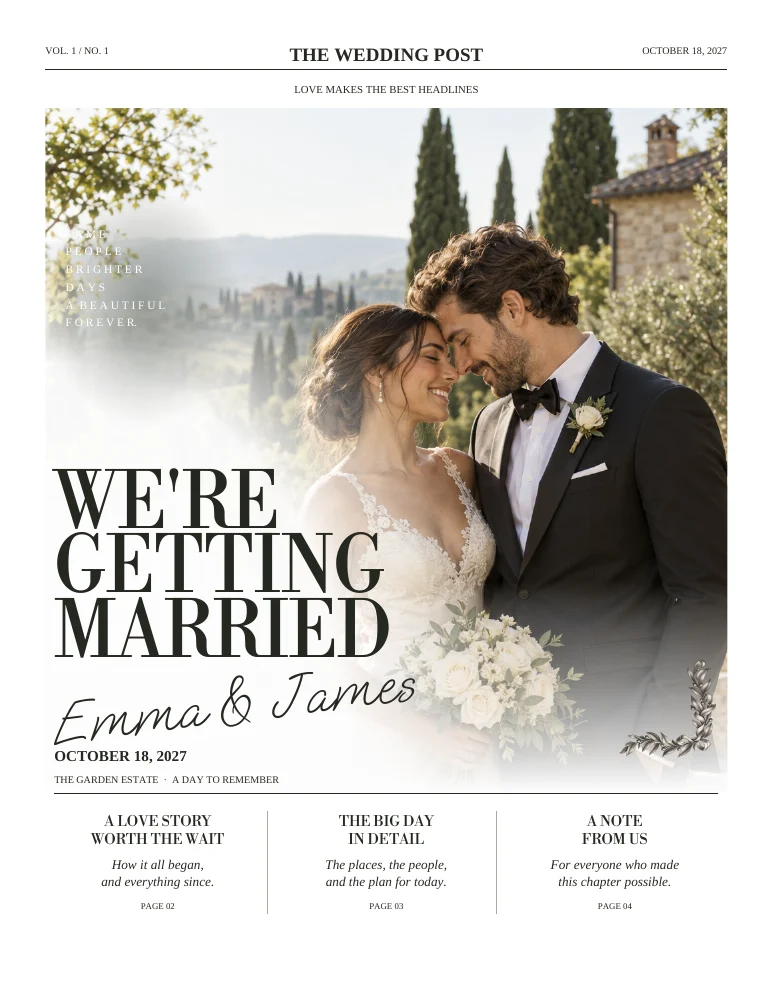
A cover introduces the celebration, a story builds connection, a day-plan page helps guests and a final note says thank you. If those are the main things you want to include, a four-page issue is a sensible starting point.
Add pages for distinct content
A dedicated how-we-met story, several portraits, a menu feature or a photo essay may deserve its own page. Eight pages work best when each extra section says something new. Avoid repeating the relationship timeline in several forms just to fill space.
Watch the people section
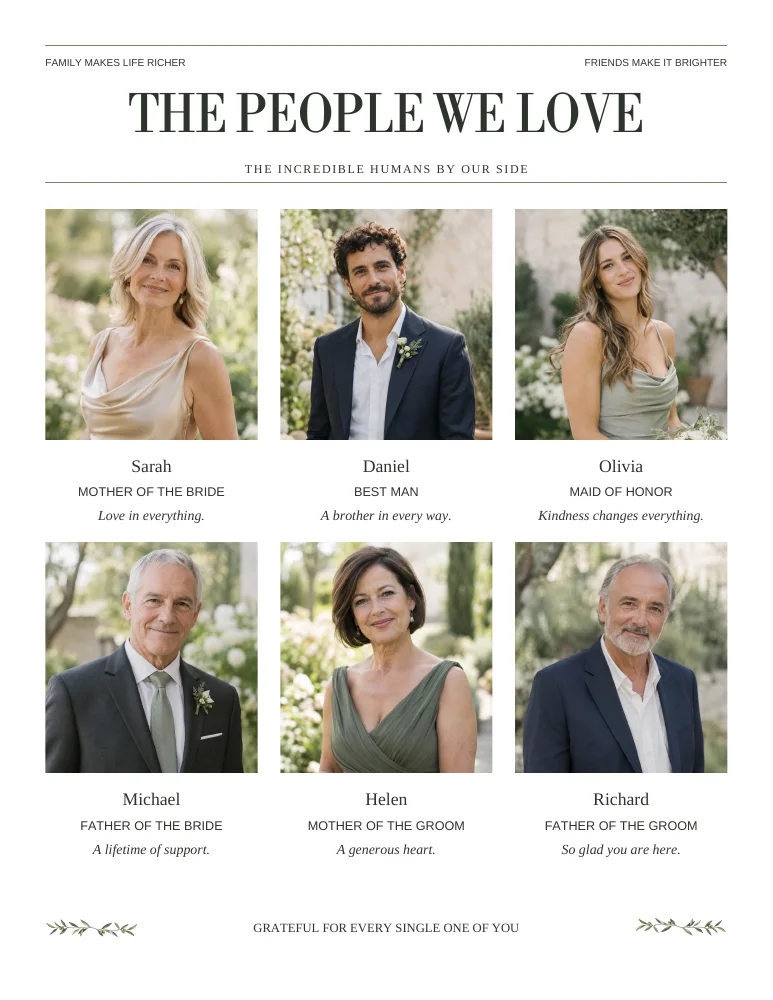
Guest portraits and introductions occupy real room. Adding more people can change the generated page count beyond the base edition. Preview the actual output after editing your list and confirm that the printer accepts that final length.
Use companion pieces when they work better
A long itinerary may belong in a weekend guide. A drinks list may be more useful at the bar. Moving practical content to the place it is used can keep the newspaper enjoyable without making guests hunt through it.
Four or eight: a content-first decision
| Your plan | Start with | Review carefully |
|---|---|---|
| Welcome, story, schedule, thanks | Four pages | Small captions and text density |
| A separate story and how-we-met feature | Eight pages | Avoid telling the same story twice |
| Several people with portraits | Eight pages | Extra generated pages if needed |
| Long weekend logistics | Newspaper plus weekend guide | Keep each document useful on its own |
Count pages the way the printer does
A page is one printed face, not one sheet of paper. Folding and binding affect permitted page counts. Send the full PDF to the printer and ask them to confirm the format rather than assuming a particular number of sheets.
Make a page budget before a word count
Write each proposed section on a separate note. Group the notes by purpose: welcome, personal story, people, practical information and thanks. If two notes say nearly the same thing, combine them. If one practical section becomes much longer than the others, ask whether a companion guide would serve it better.
This is more useful than starting with a target word count. Photographs, portraits and white space occupy part of the page too. A paper with fewer words may still need eight pages if the images are the story. A text-heavy plan may need editing rather than more pages.
Review the final file after adding people
The base edition is a starting structure. Repeated items such as guest cards and large people sections can affect generated output. Count the actual PDF pages after your last update, and check any new pages for headings, spacing and complete entries.
Ask your printer how that final count works with the selected fold or binding. Some booklet arrangements need a particular multiple of pages; a loose set of sheets is a different product. Do not remove people simply to satisfy a number you assumed. Confirm the production format, then make an informed choice about pagination.
ON THE PAGE
See how it comes together.
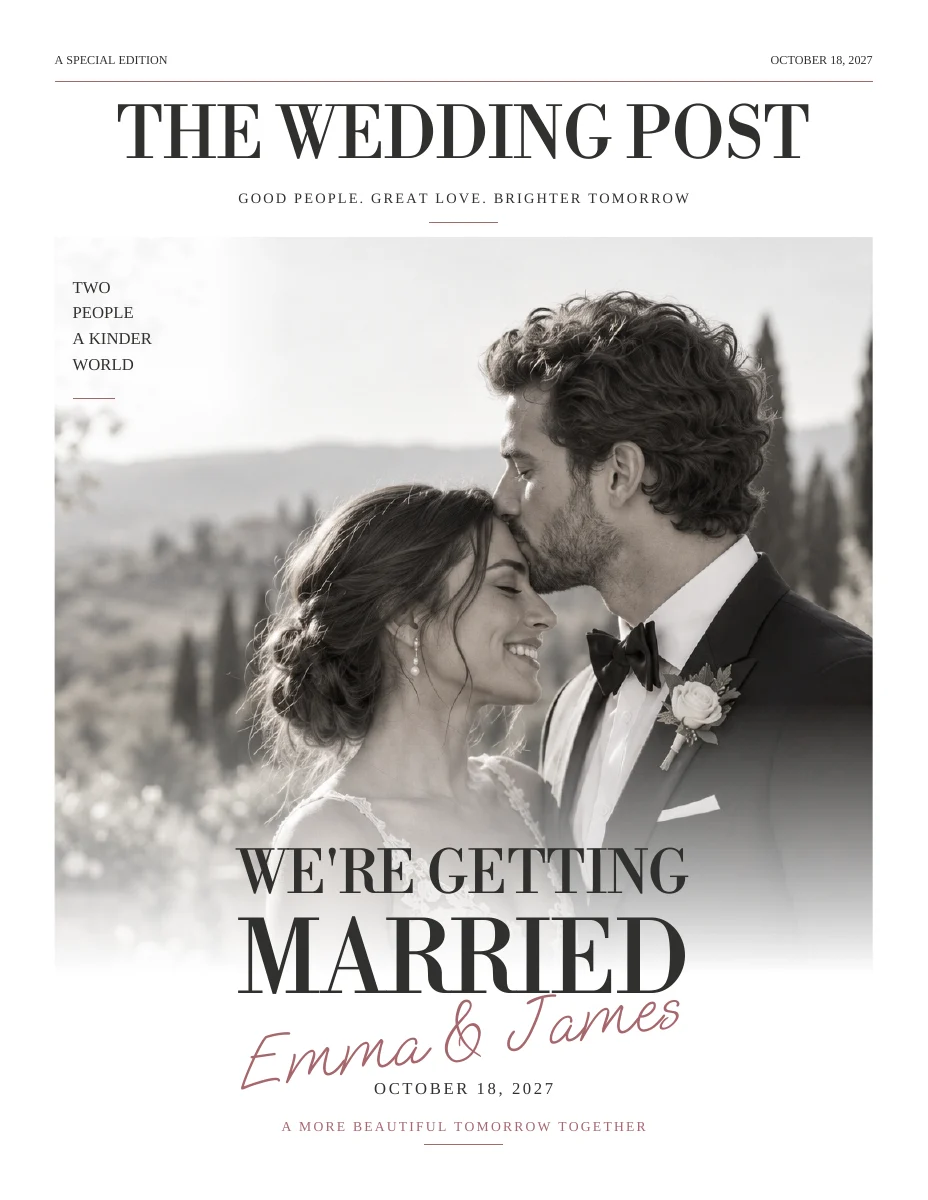
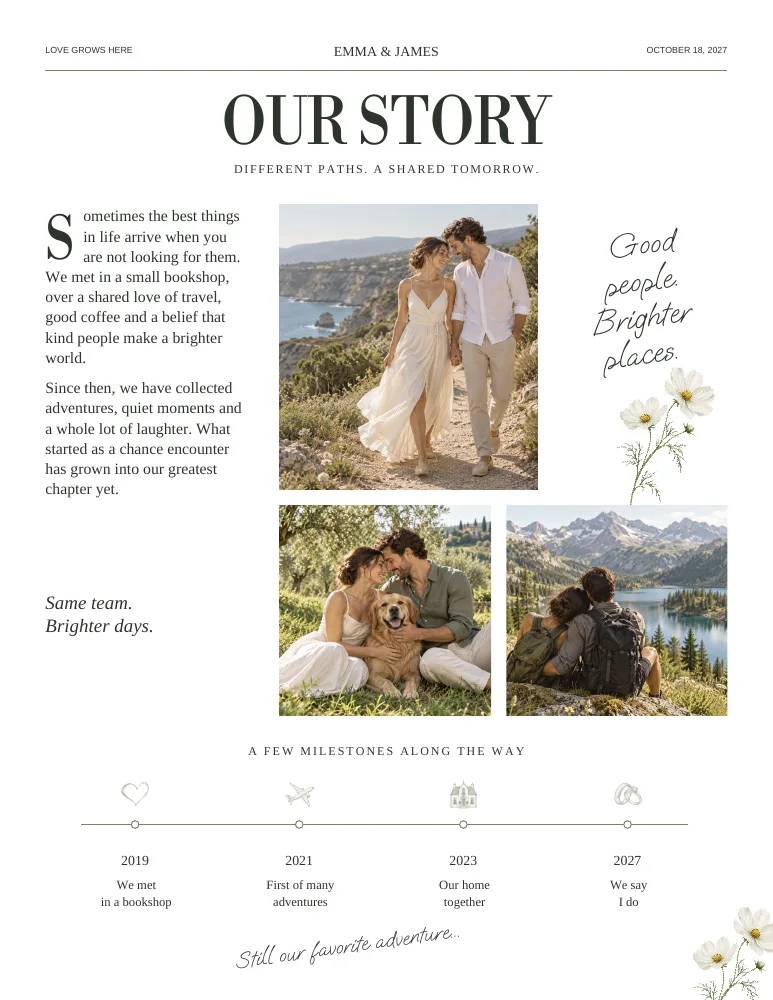
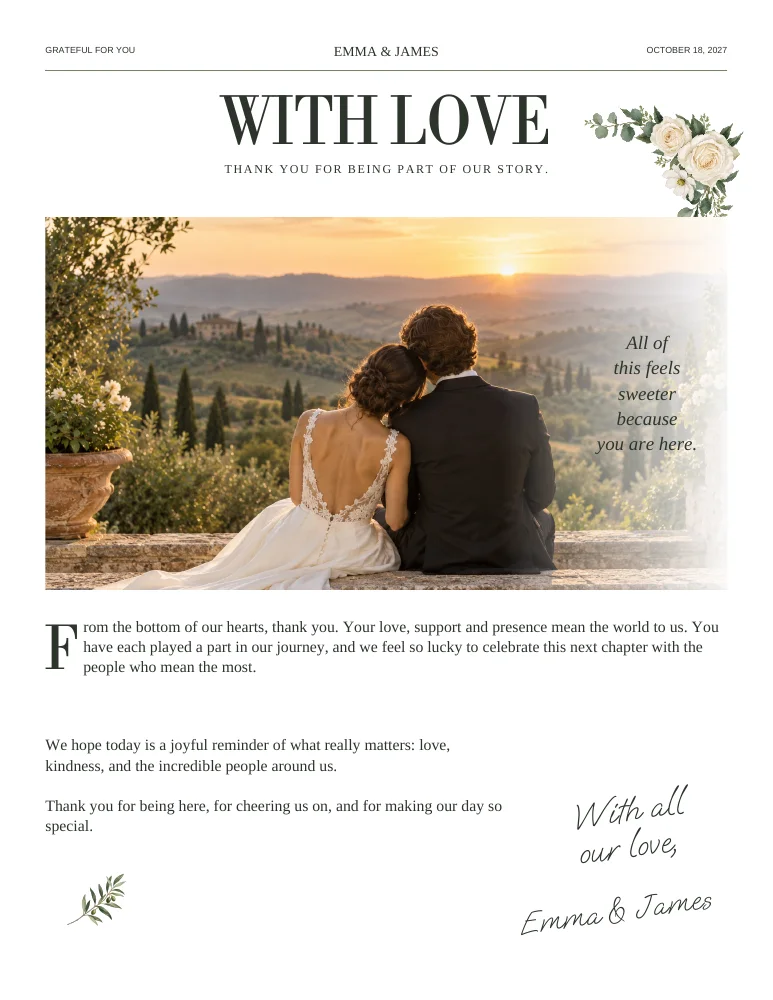
Actual sample pages from Botanical Minimal. Open a page to explore the PDF. Replace the fictional details and sample photographs with your own.
KEEP IT SIMPLE
Your next steps
- Every page has a purpose
- Extra content is not repetitive
- Actual output count checked
- Printer accepts the final count
GOOD TO KNOW
A few things you might be wondering.
Are four pages too short?
Not if they cover the essentials comfortably. Clear, edited content is more valuable than additional filler.
Does a page mean both sides of a sheet?
No. A page is a single face. A sheet can contain multiple pages depending on folding and printing.