Give every code one purpose
Label the action in ordinary words: Reply here, See the weekend schedule or Share your photographs. Sending every code to a homepage makes guests search again. Use the most direct stable destination available.
Keep a readable link beside it
Some guests will prefer typing a short address or opening it later. A printed URL also helps when scanning fails. Avoid including private access tokens or links intended only for your own logged-in account.

Test the destination as a guest
Open it on a device or browser where you are not signed in. Check permissions, upload options and any required account. If a photo album asks guests to install an unfamiliar app, explain that before they try it during the event.
Test the physical code
Print it at its final size with the surrounding artwork. Keep clear space around it, strong contrast and no decoration crossing the code. Try more than one phone in realistic lighting. Do not choose a tiny size just because it scans on a bright monitor.
Give the code a clear destination
| Purpose | Printed label | Check as a guest |
|---|---|---|
| Reply | RSVP by [date] | The form accepts a response |
| Directions | Directions to the reception | The map pin matches the entrance |
| Photos | Share your photographs | Uploads work without owner access |
| Updates | The latest weekend schedule | The page is readable on a phone |
Keep the link alive
Use a destination you control or expect to remain available through the event and afterward. If the schedule changes, update that destination rather than replacing the printed code. Check the link again shortly before distributing copies.
Treat the fallback as part of the design
A QR code is not the only way a guest should be able to find important information. Put a short, readable address beside it, and keep essential arrival instructions in the printed text. Someone may have a flat battery, poor reception or a phone that struggles to focus in low light.
Give the code one nearby sentence explaining what will happen after scanning. Avoid decorative elements in the clear area around it. If you change the destination or replace the code image, repeat the physical test rather than assuming the earlier result still applies.
Check privacy and longevity before printing
Open the destination in a signed-out browser. A link that works for the owner may ask everyone else to request access. For photo albums, decide whether guests can view, upload or both, and make sure that behavior matches the printed invitation.
Keep the destination available for as long as you expect the keepsake to be used. A temporary file-sharing link may expire before guests return home. If you rely on a redirect service, check its terms and ongoing requirements. Never print a private account-management link or a URL containing a secret token intended only for you.
ON THE PAGE
See how it comes together.
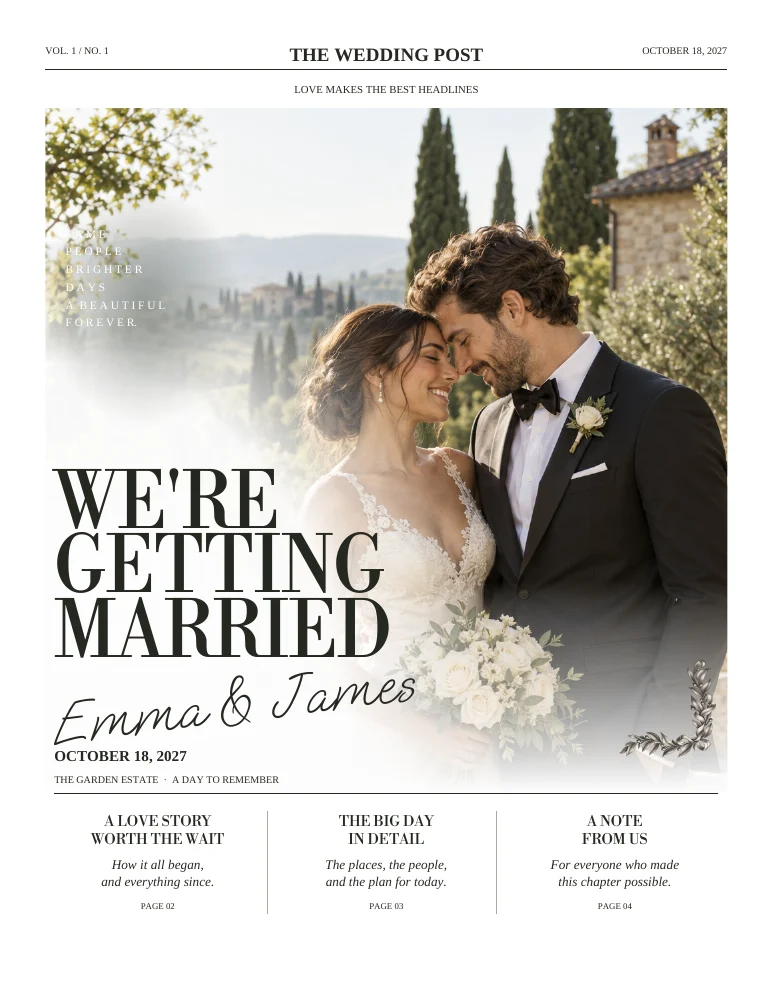
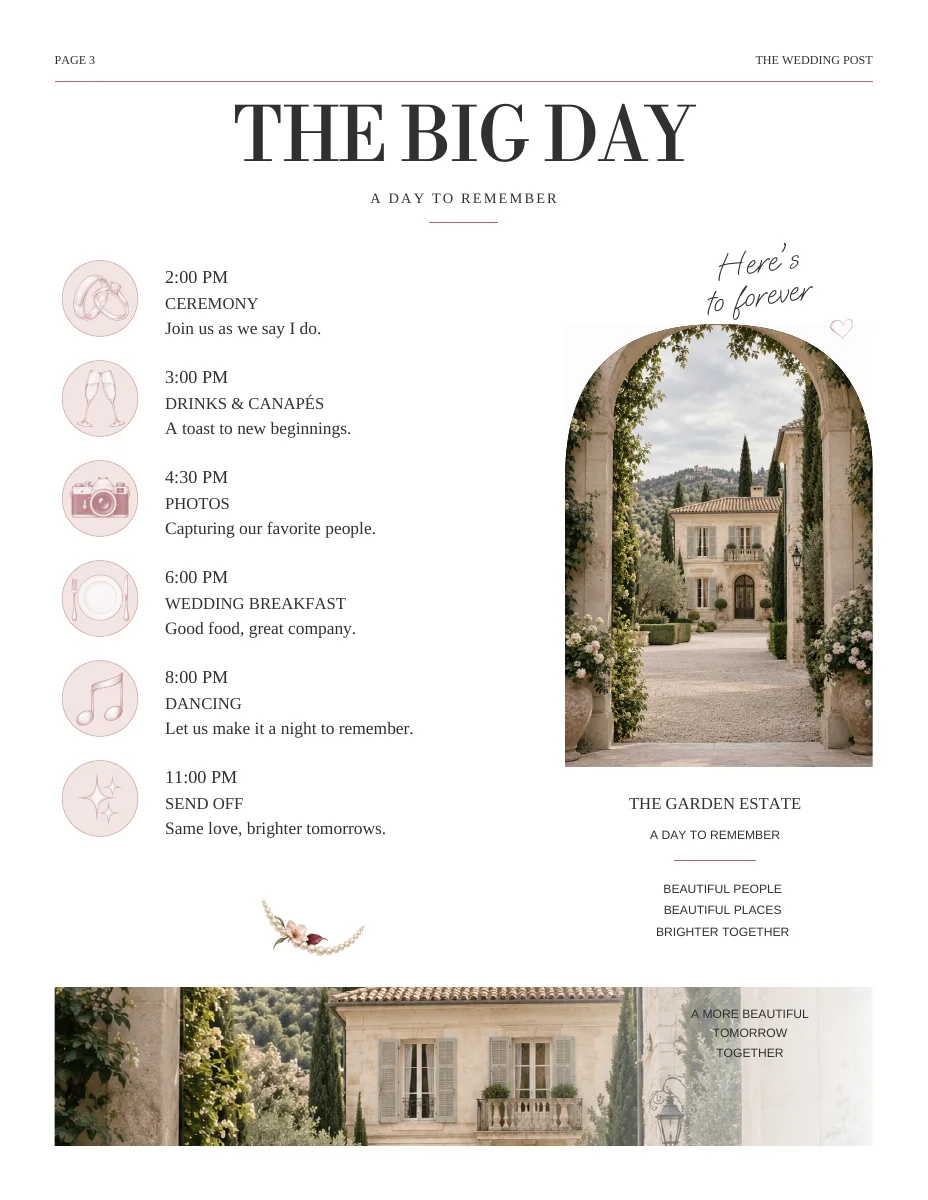
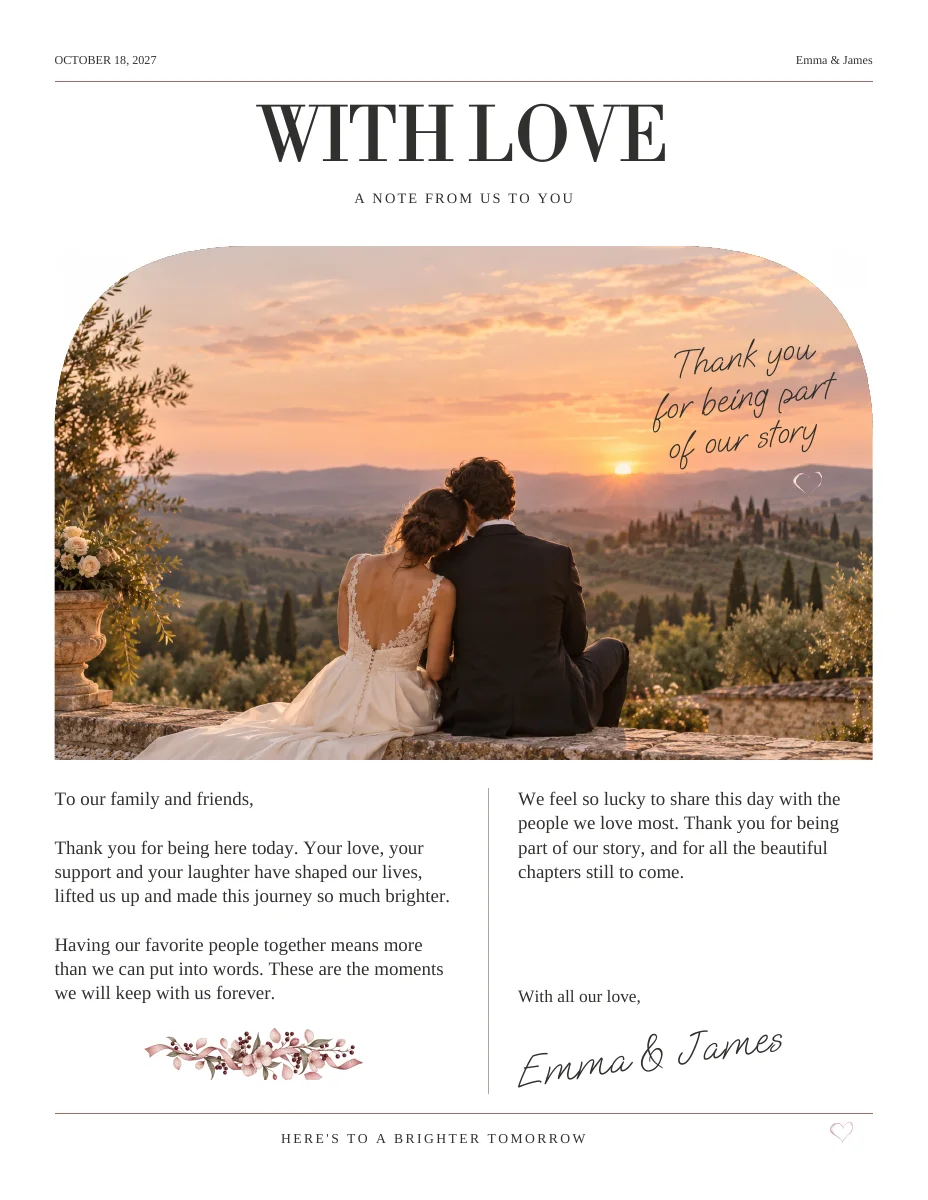
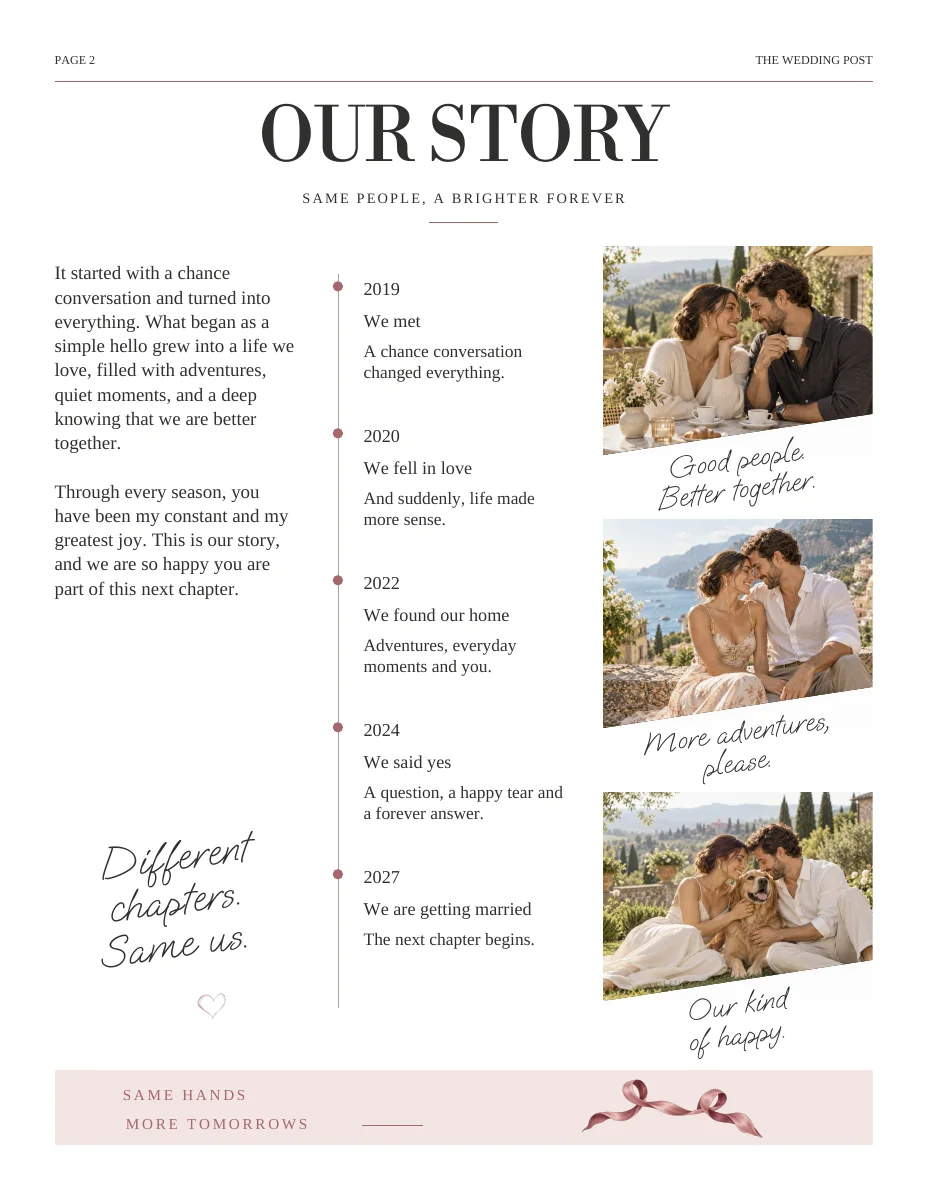
Actual sample pages from Modern Romance. Open a page to explore the PDF. Replace the fictional details and sample photographs with your own.
KEEP IT SIMPLE
Your next steps
- Clear action label
- Readable fallback URL
- Guest permissions tested
- Final-size scan tested
GOOD TO KNOW
A few things you might be wondering.
How small can a QR code be?
There is no universal size that works for every code, printer and scanning distance. Use a generous size and test the final printed result.
Should I put a code on every page?
Usually not. Place it where the related task appears and avoid sending guests to several competing destinations.