Pass one: people and places
Check both names, every guest introduction, venue names, street addresses and website spelling. Match each portrait to its caption. Read names aloud against your guest list rather than relying on memory.
Pass two: dates and logistics
Check the day of the week against the date. Compare ceremony, reception and transport times with confirmed arrangements. Distinguish arrival time from start time. Confirm that optional events and invitation-only gatherings are labeled correctly.

Pass three: text and design
Look for sample names, unfinished placeholders, repeated paragraphs and awkward line breaks. Check that captions remain readable and no text touches decoration or trim edges. Review all pages after changing the style or edition.
Pass four: photographs and links
Inspect crops for cut-off faces and important details. Check dark images on a physical proof. Scan QR codes at printed size and open links as a guest who is not logged in. Verify photograph permissions if you plan to share publicly.
Four separate proofing passes
| Pass | Read for | Who can help |
|---|---|---|
| Facts | Names, date, time, venue, links | Someone who knows the plans |
| Language | Missing words, repetition, tone | A fresh reader |
| Layout | Crops, captions, overflows | Someone viewing the actual PDF |
| Scale, folds, page order, scans | You and the selected printer |
Pass five: production handoff
Record final dimensions, page count and the approved filename. Confirm printer requirements for margins, bleed, color and page order. Print and fold a proof where relevant. Ask a second person to review the final PDF, then avoid making unreviewed changes immediately before sending it.
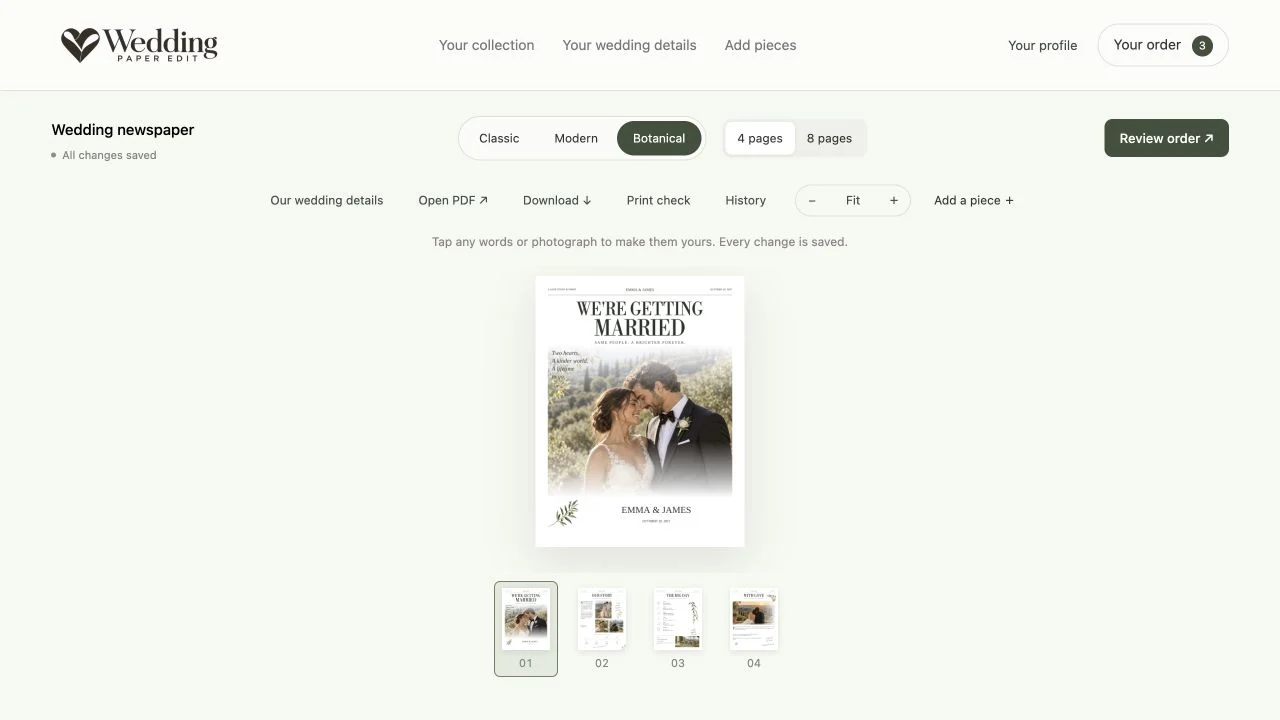
Proof the file you will actually send
It is easy to approve wording in the editor and then send an older download. Give the final PDF a recognizable filename and place it in one clearly marked folder. Read that exact file from the first page to the last. If you make a correction, replace the approved file and repeat the affected checks.
Use separate passes rather than looking for everything at once. On the facts pass, ignore the prose and check only names, dates, times, addresses and numbers. On the visual pass, follow every caption to its photograph. This makes mistakes easier to catch than a casual read-through.
Check the least obvious pages
Repeated items deserve extra attention. Look at the first, middle and last personalized thank-you card, and confirm that each guest name matches the message. Review any additional people or drinks pages created after expanding a list. The first page looking correct does not guarantee the rest are complete.
Ask a second person to read the guest instructions without coaching. If they ask which entrance, which day or where to find the shuttle, the paper may need one more detail. Finish with a physical proof at the intended size, including folds and a QR scan. Save the approval notes with the final file.
ON THE PAGE
See how it comes together.
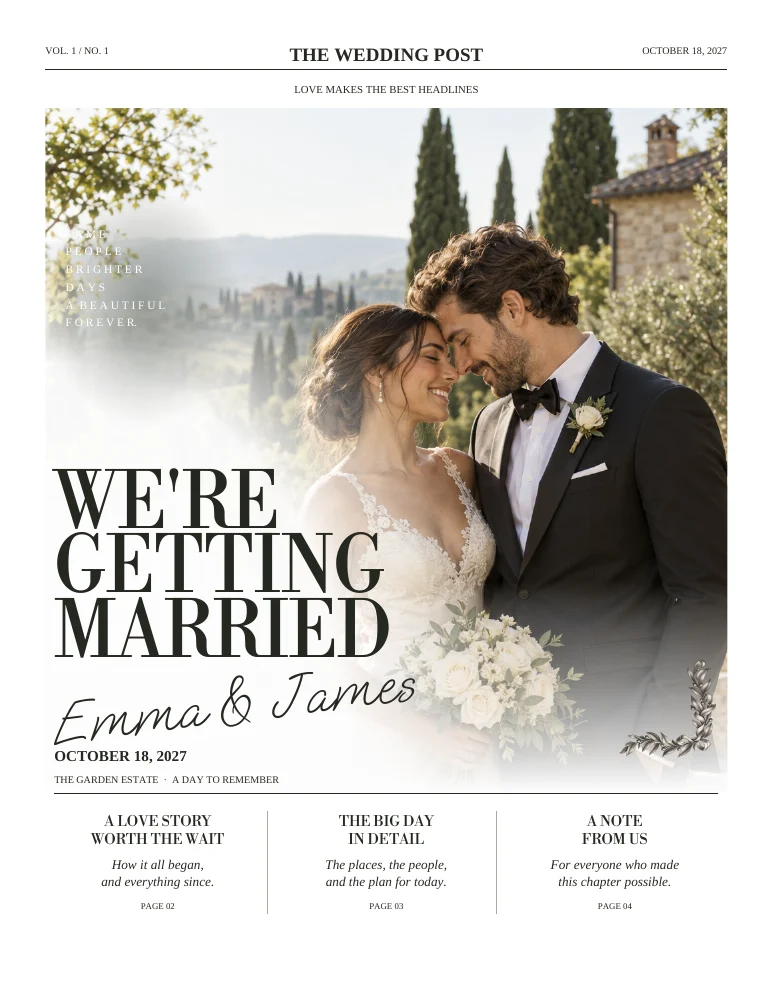
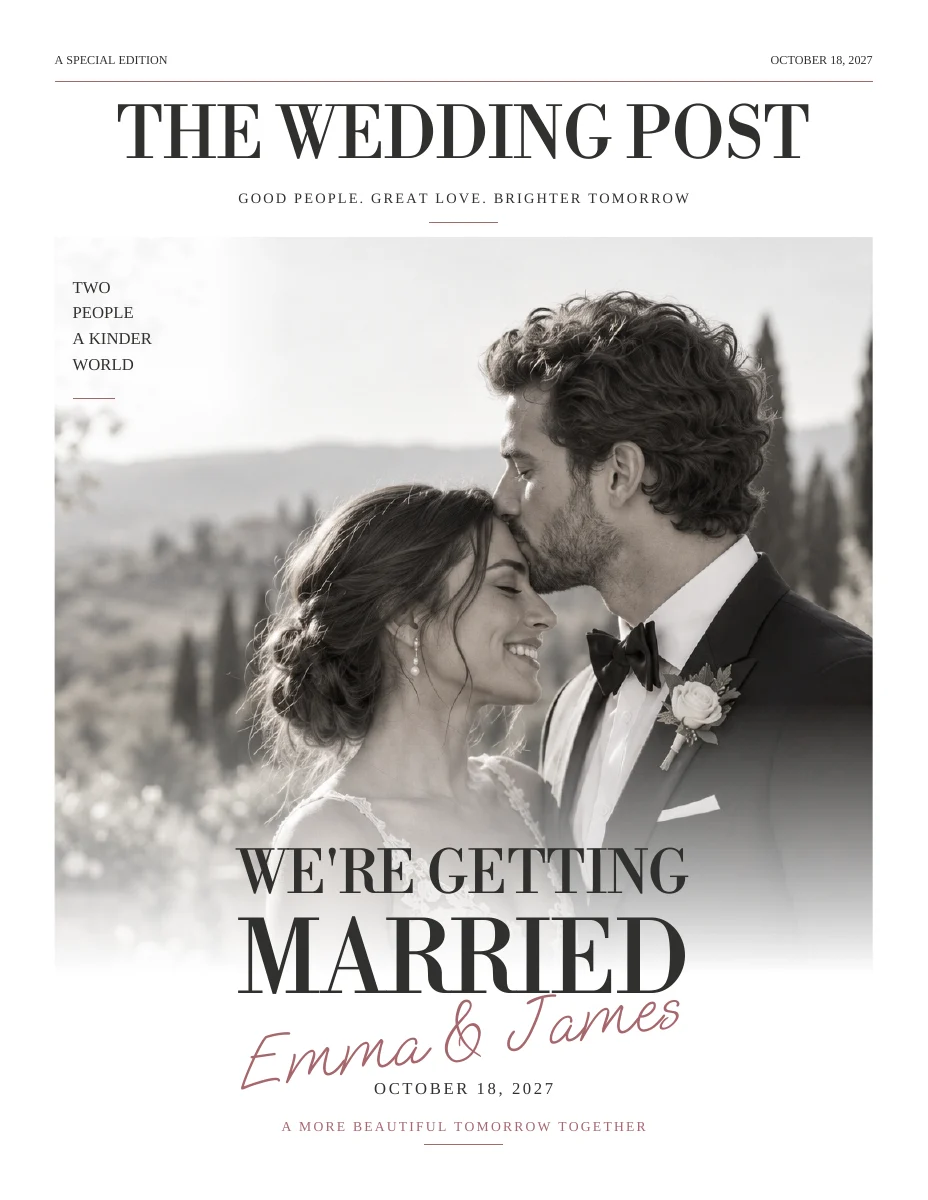
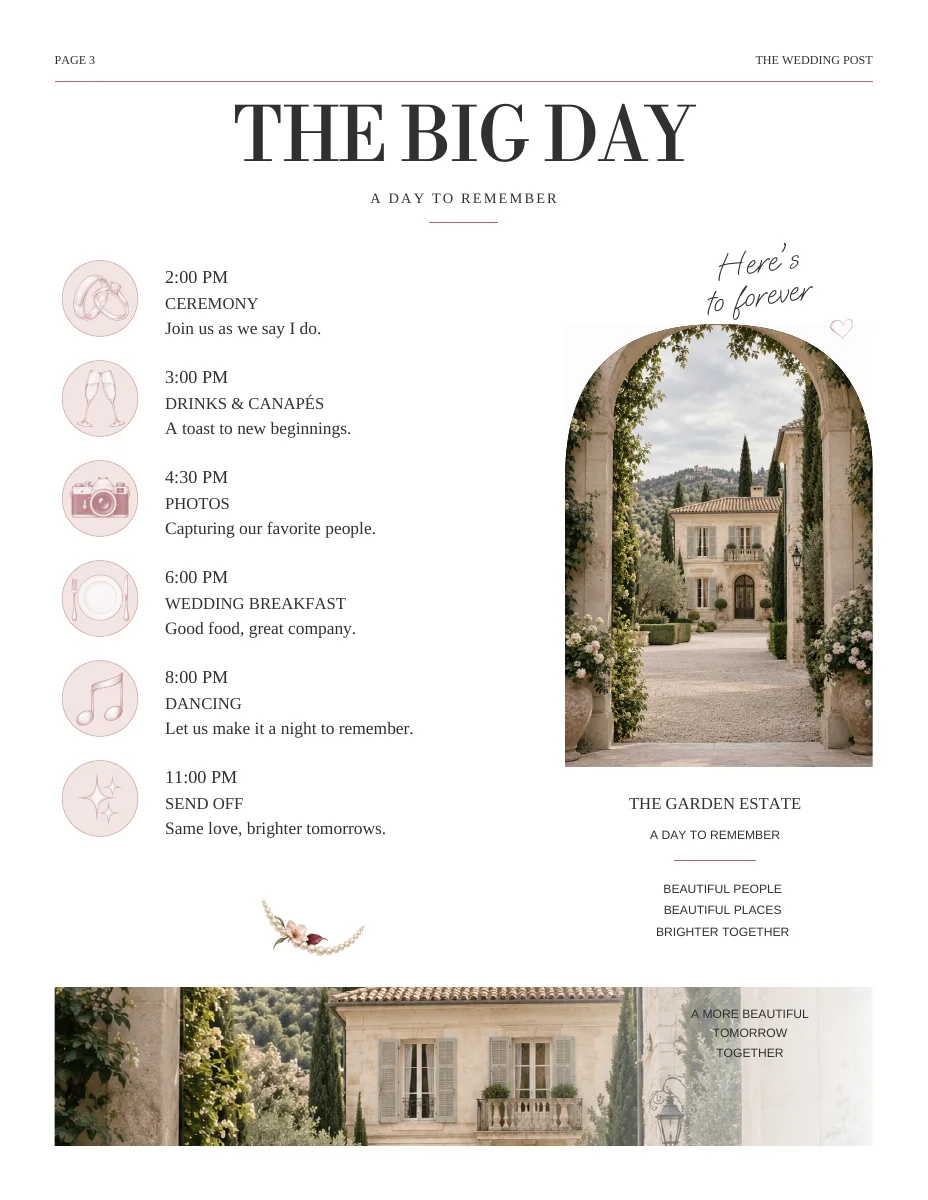
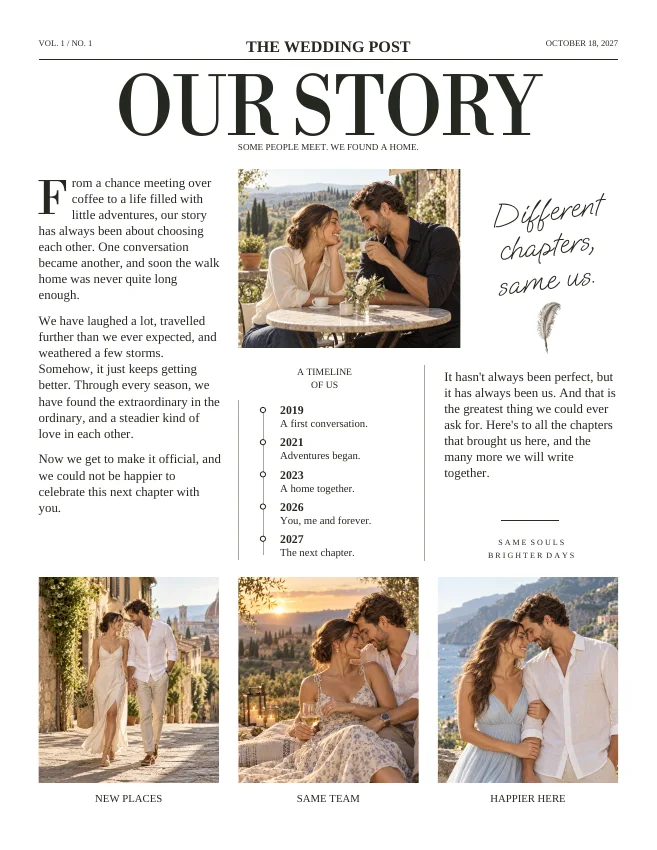
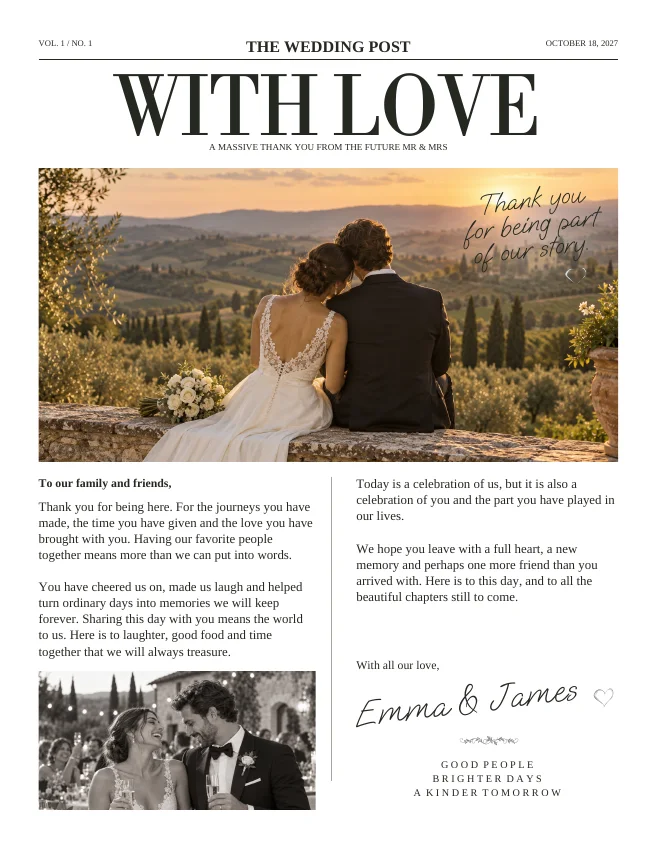
Actual sample pages from Editorial Classic. Open a page to explore the PDF. Replace the fictional details and sample photographs with your own.
KEEP IT SIMPLE
Your next steps
- Names and portraits matched
- Dates and times confirmed
- No placeholders or hidden overflow
- Proof approved and final file identified
GOOD TO KNOW
A few things you might be wondering.
Can I rely on spellcheck?
Spellcheck will not catch a correctly spelled wrong name, a wrong date or a portrait assigned to the wrong person. Use the source lists as well.
When should I proof again?
After any edit that changes shared details, photographs, page count, edition or style, and again before the final print order.