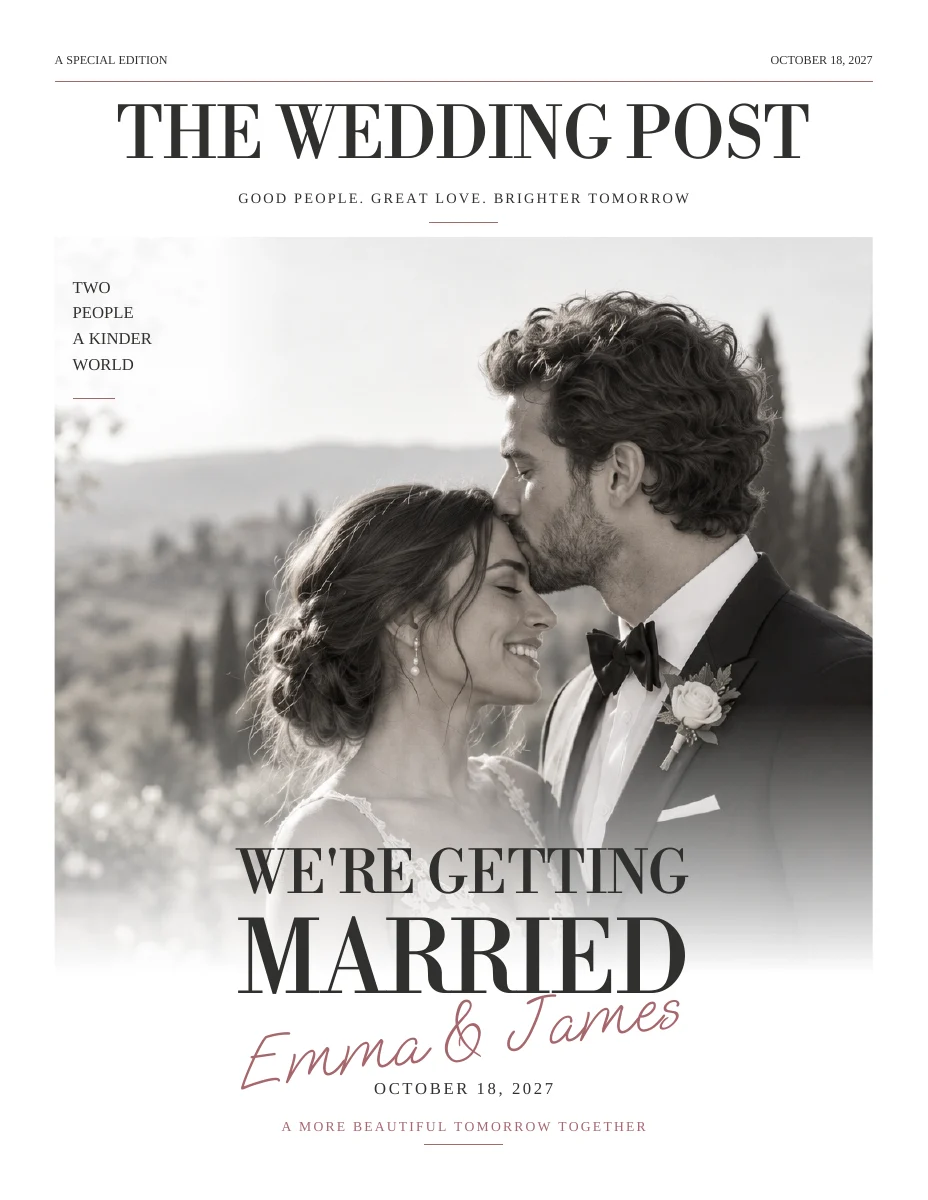
Start with the work you want to do
A blank or highly flexible canvas gives you more layout decisions. A prepared template starts with a page structure and asks you to personalize the content. If you enjoy designing every element, flexibility may be the priority. If you want to finish a coherent collection, fewer layout decisions may help.
Consider repeated details
Names, dates, venue addresses and guest information appear across several pieces. Wedding Paper Edit uses shared wedding details as a starting point for the collection. In any workflow, verify how updates propagate rather than assuming every design will change automatically.
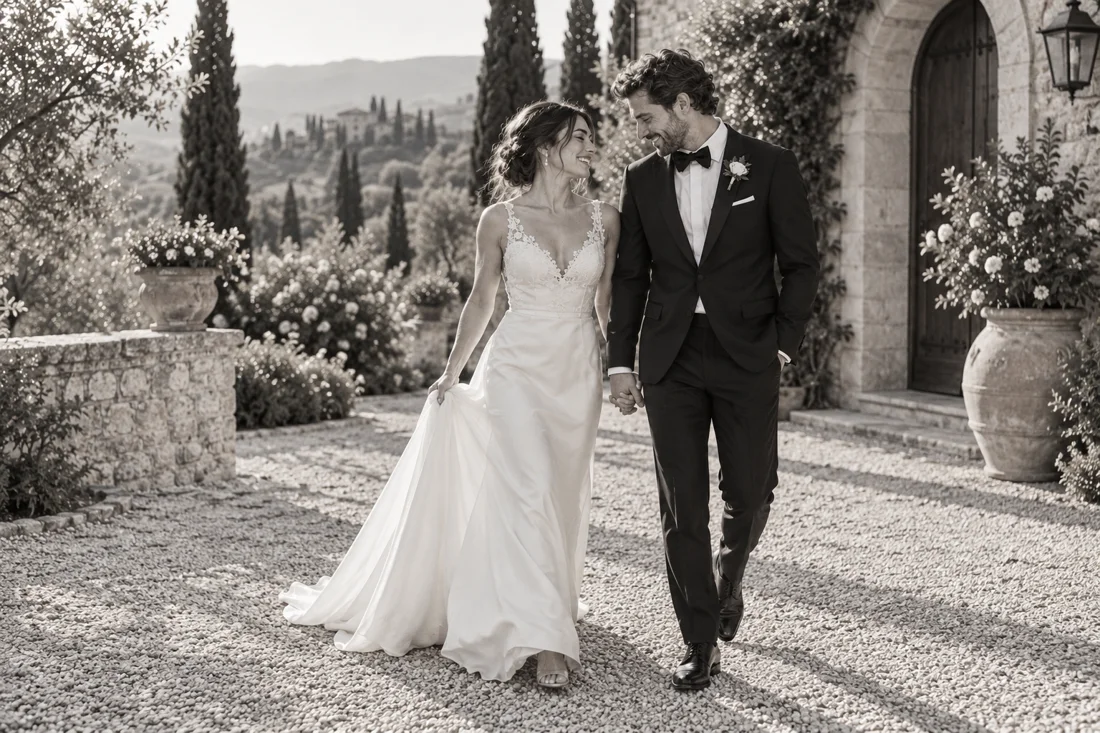
Check the editing and export requirements
Before choosing a third-party template, confirm the required account, licensed fonts and images, editing permissions and export options with its seller or platform. These details can change and are not the same for every Canva template. Wedding Paper Edit's public samples are PDFs; its personal editing happens in its own workspace.
Compare the complete output
Look at a schedule page, a text-heavy story and a small card, not only the cover. Check final dimensions, readable type and image crops. Regardless of the software, the printer must accept the actual exported file.
Compare workflows with one sample page
| Task | Dedicated wedding workflow | General design workflow |
|---|---|---|
| Shared wedding details | Check whether facts flow across pieces | Check how repeated text is updated |
| Layout changes | Check the available style and page options | Check your control over individual objects |
| Repeated guest material | Check how names and messages are generated | Check the available data or duplication workflow |
| Print export | Review the exact PDF dimensions | Review the selected export settings |
Choose using a small trial
Try replacing a photograph, changing the date and editing a paragraph before committing to a workflow. If those routine tasks feel straightforward and the output fits your print plan, you have a better basis for choosing than a long feature checklist.
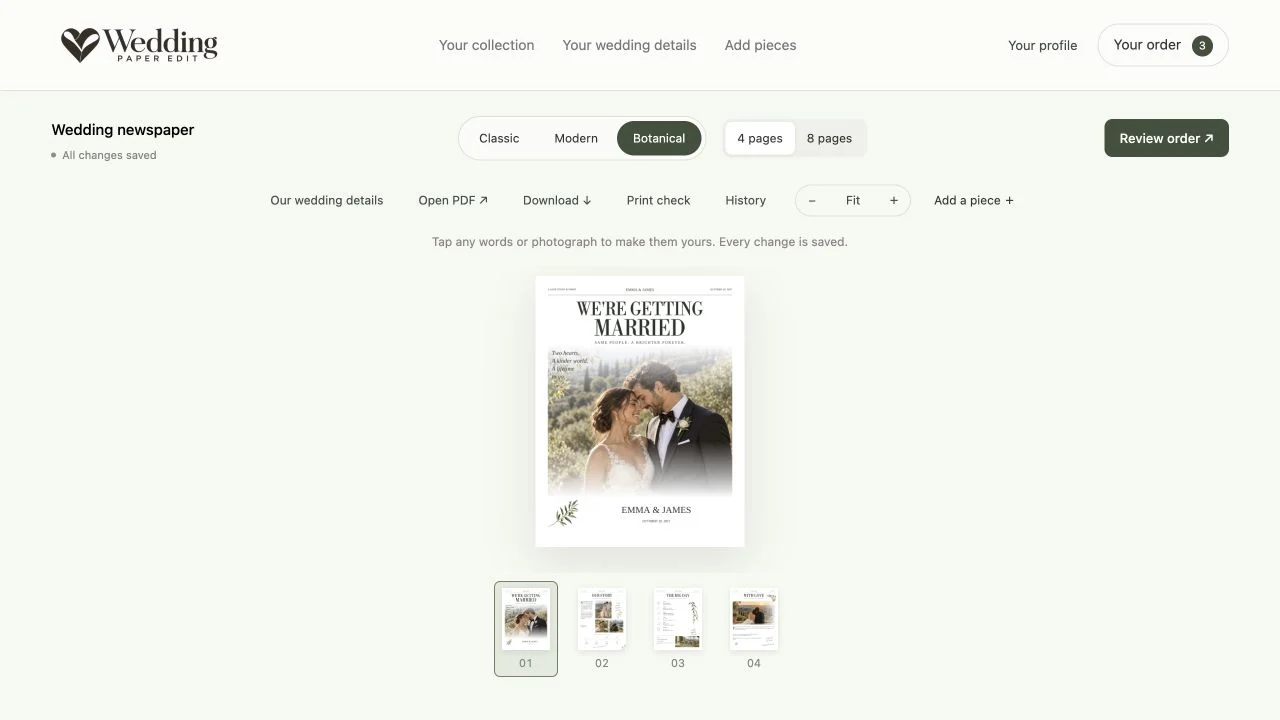
Compare the work, not just the cover
Choose one realistic task: replace the couple names, add a long venue name, change a photograph and produce a printable file. Try that task in the workflow you are considering. Notice where you spend time and whether you understand the result without a tutorial.
Then repeat one shared detail across an invitation and a newspaper. The important comparison is not which tool can make an attractive cover, but which process you can keep accurate across the whole collection. A familiar general-purpose editor may suit one person; a structured wedding workflow may suit another.
Know which flexibility you actually need
More layout freedom can be useful if you want to move every object or build a completely new composition. It can also mean more responsibility for alignment, text fitting and print setup. A prepared design trades some of that freedom for a consistent starting point.
Canva's features, plan limits and licensing terms can change, so verify current details directly with Canva before purchasing a template or subscription. This comparison is about workflow decisions rather than a claim about every current feature. Whichever option you choose, review the actual exported PDF and confirm the printer accepts it before ordering a full run.
ON THE PAGE
See how it comes together.
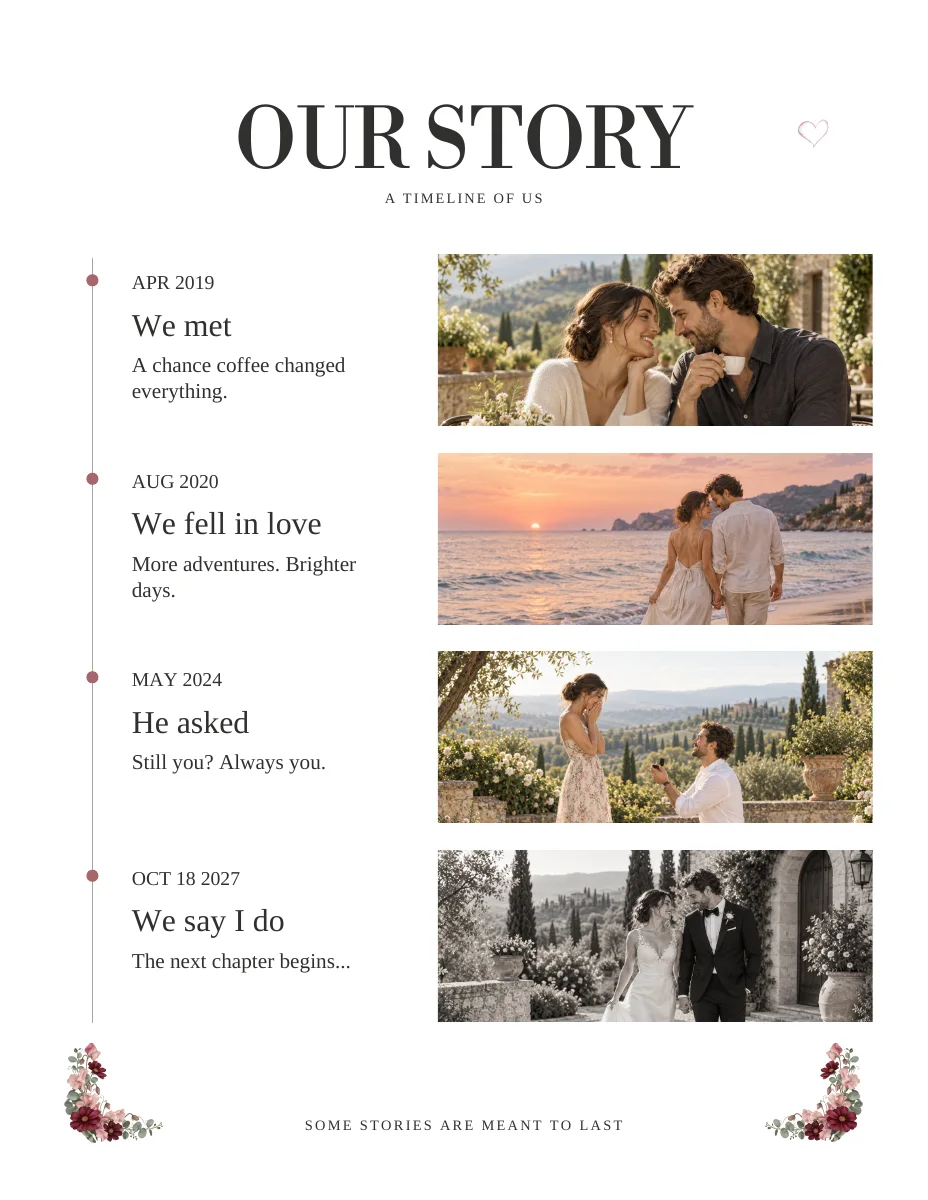
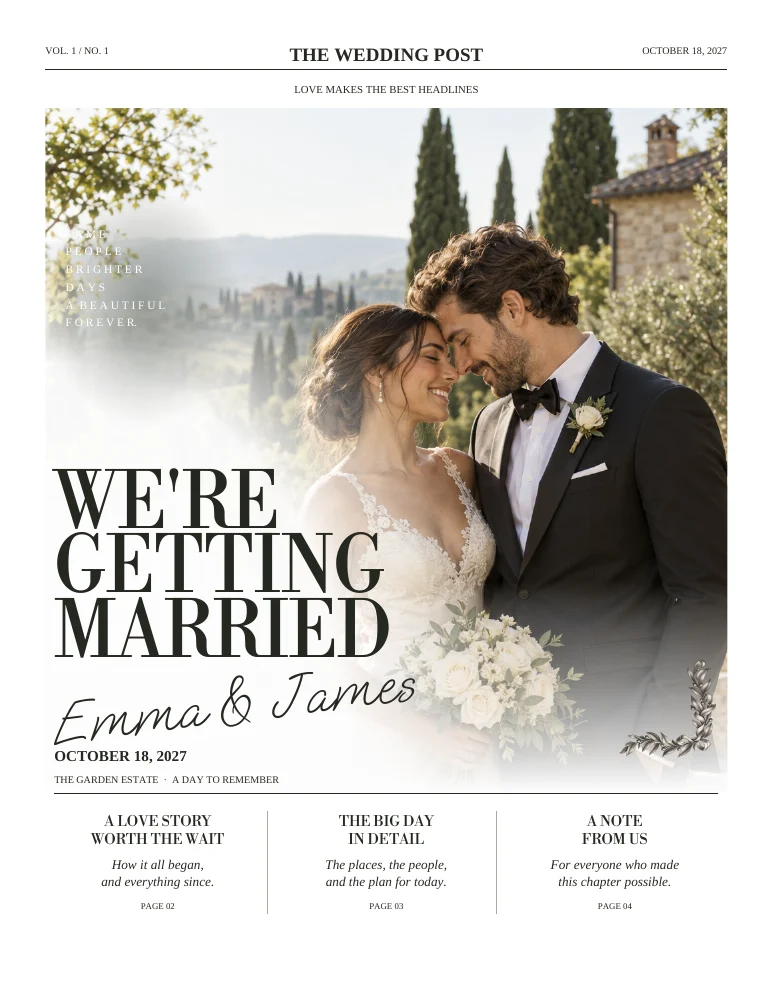
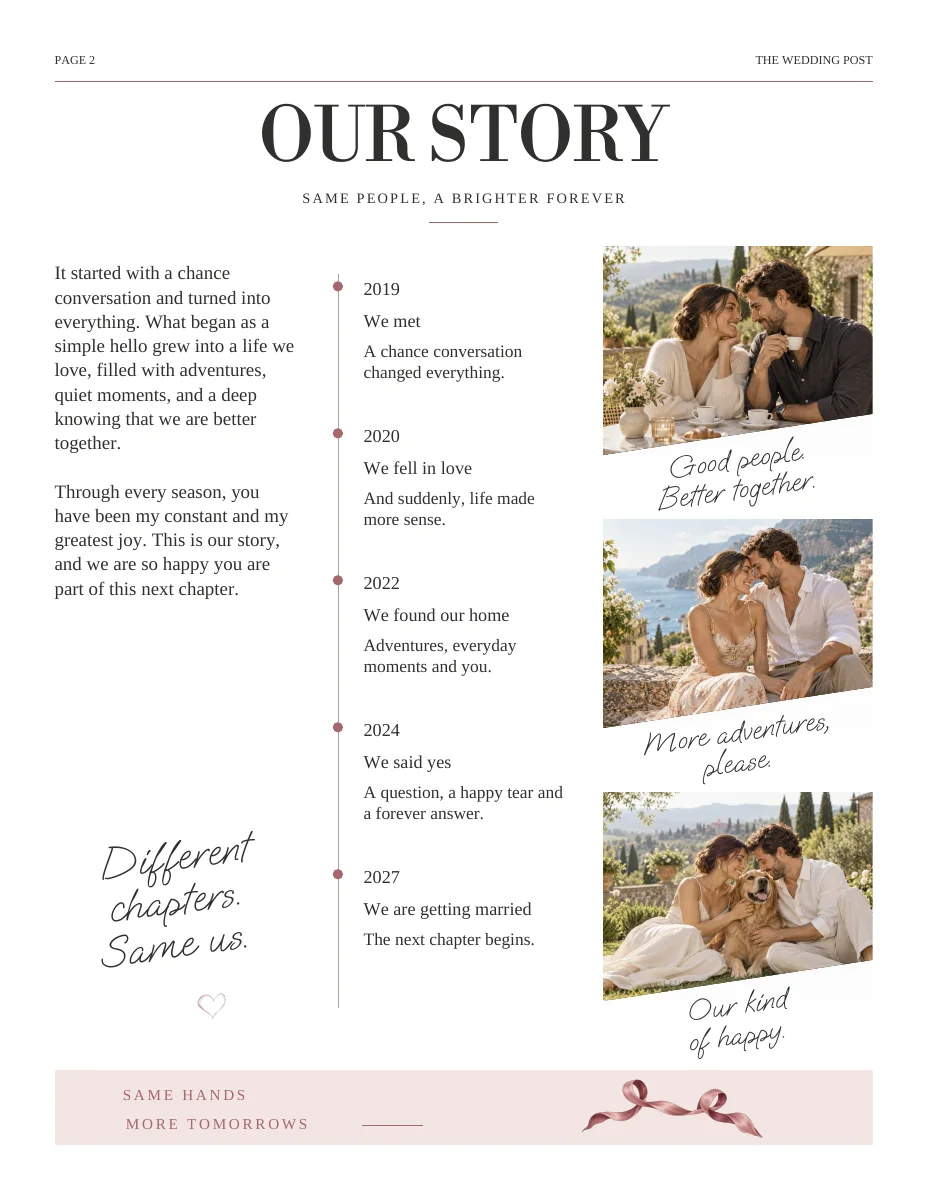
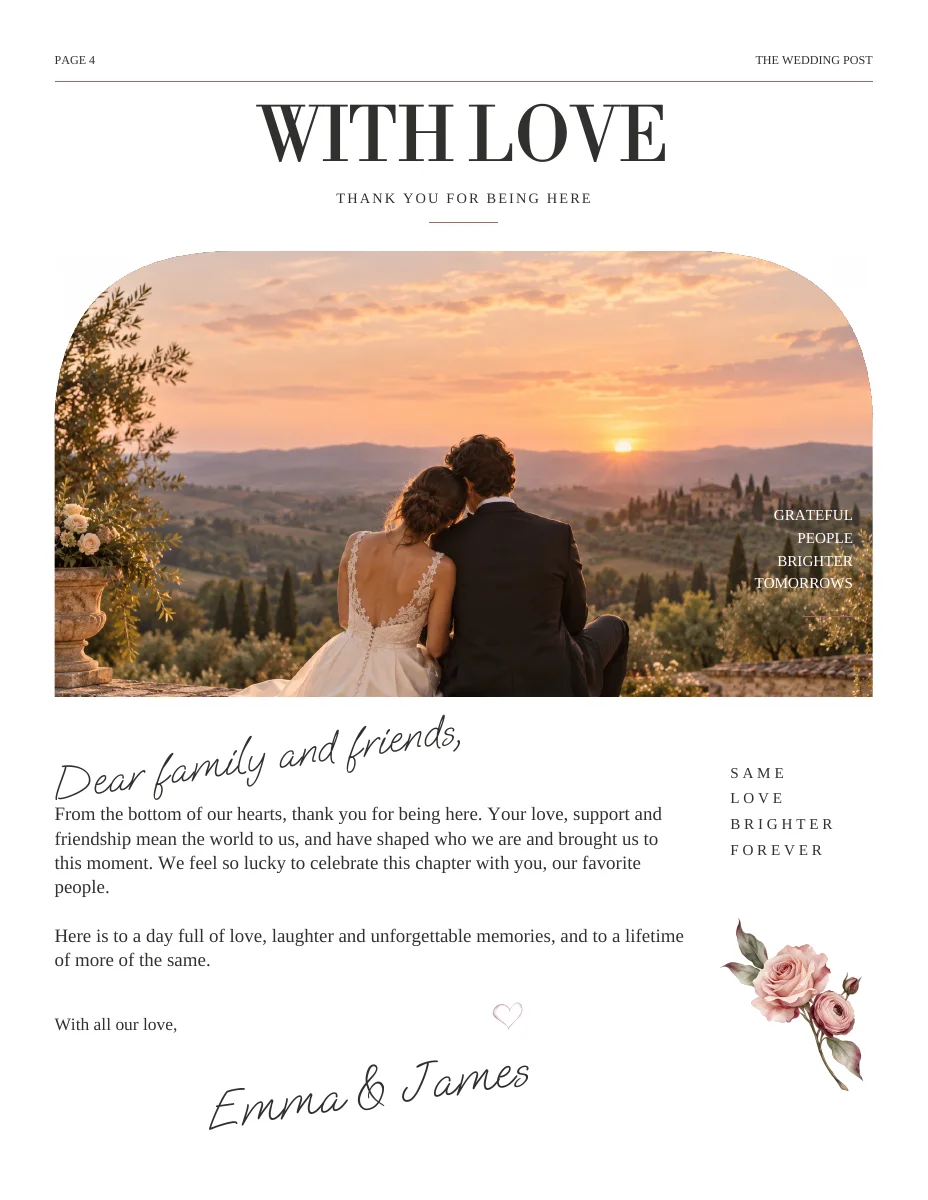
Actual sample pages from Modern Romance. Open a page to explore the PDF. Replace the fictional details and sample photographs with your own.
KEEP IT SIMPLE
Your next steps
- Editing approach suits your comfort level
- Template licensing understood
- Shared details workflow checked
- Sample output reviewed with printer
GOOD TO KNOW
A few things you might be wondering.
Does Wedding Paper Edit use Canva?
No. The personalized designs are edited in the Wedding Paper Edit workspace. This is a workflow comparison, not a Canva integration.
Which option is better?
It depends on whether you want broad layout control or a prepared wedding-specific structure. Test the changes you actually need to make.