Start with facts you will use more than once
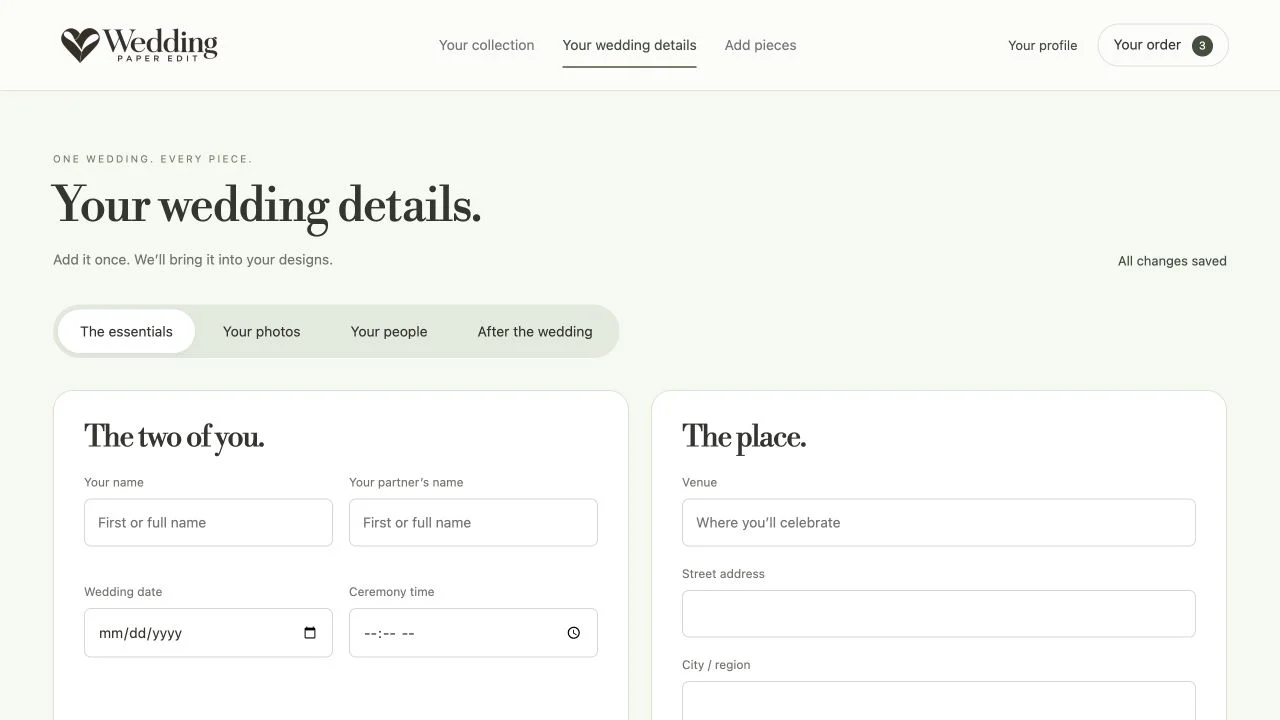
Names, date, venue, address and your website belong in Your Wedding Details. Enter them once, check them carefully, and let them provide the starting point for your collection. Review individual pieces after any shared update.
Choose photographs with a purpose
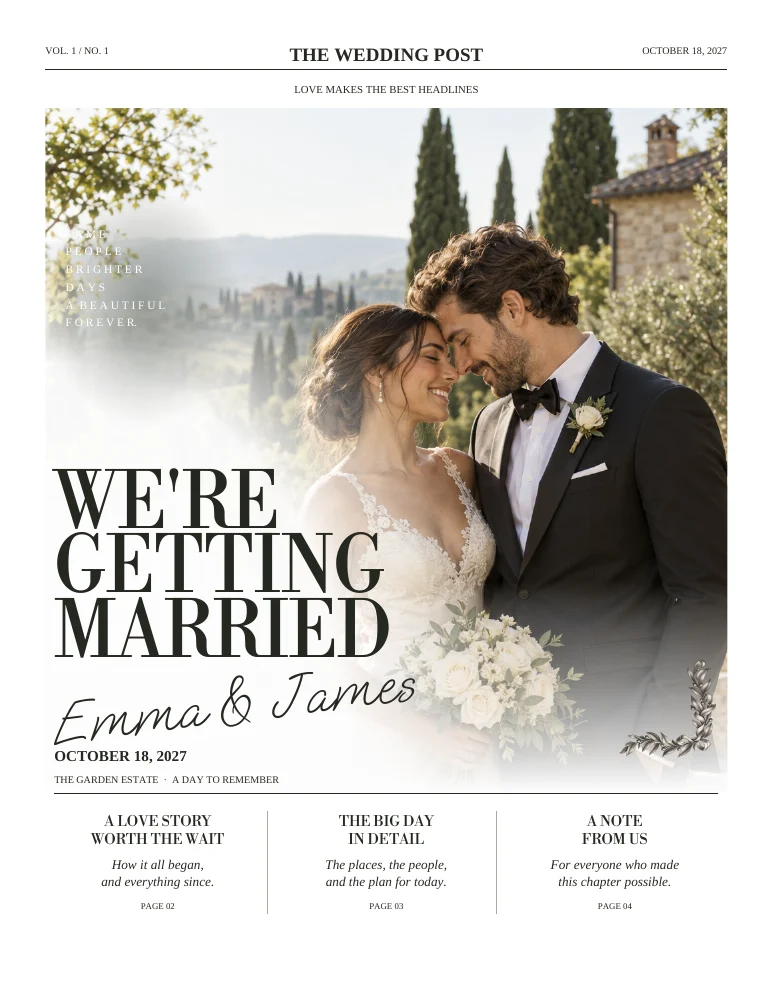
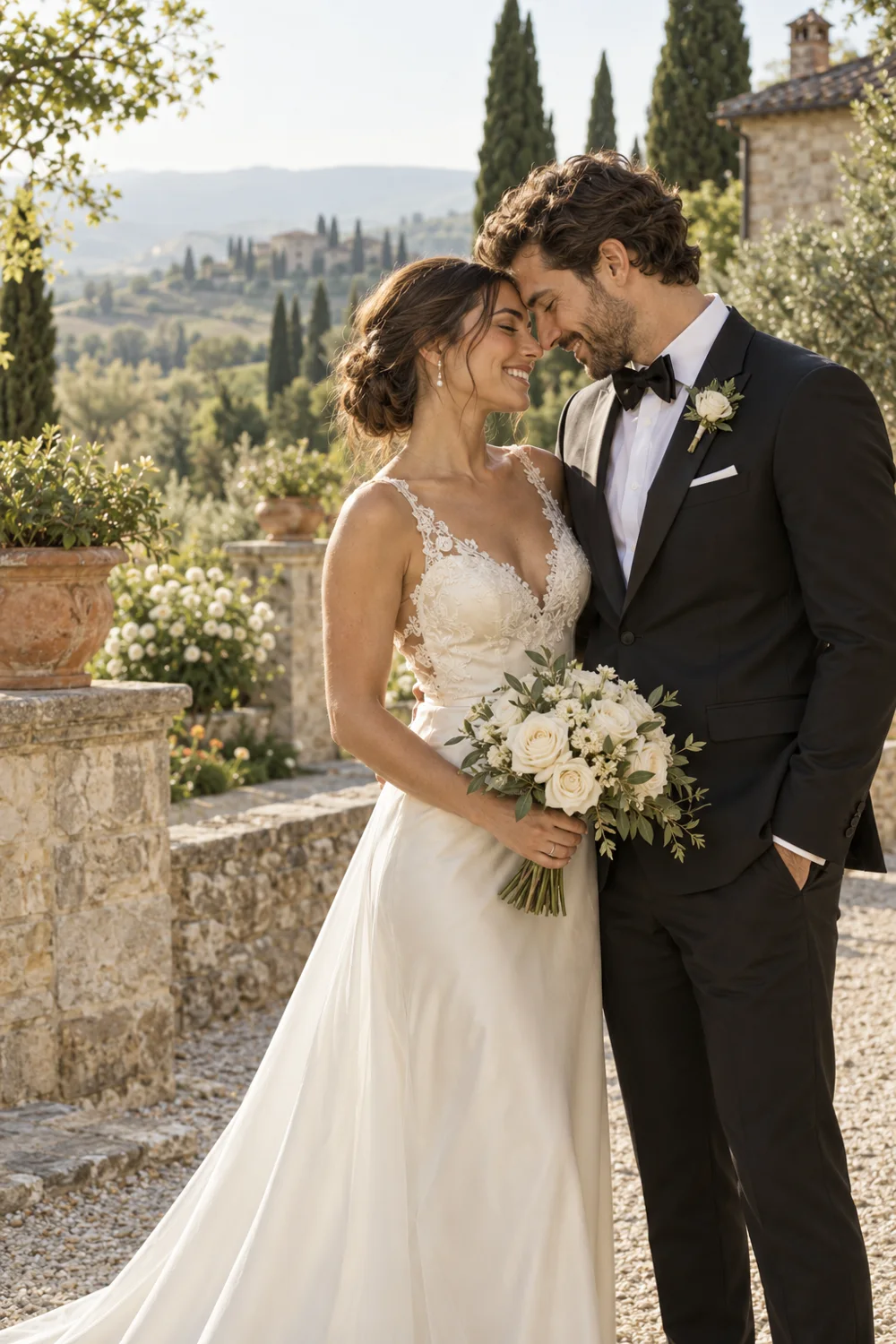
Use a clear couple photograph for the cover, smaller pictures to anchor the story and portraits for guest introductions. A good original with space around the subjects is easier to crop than a screenshot or a tightly cut image.

Replace generic copy with specific memories
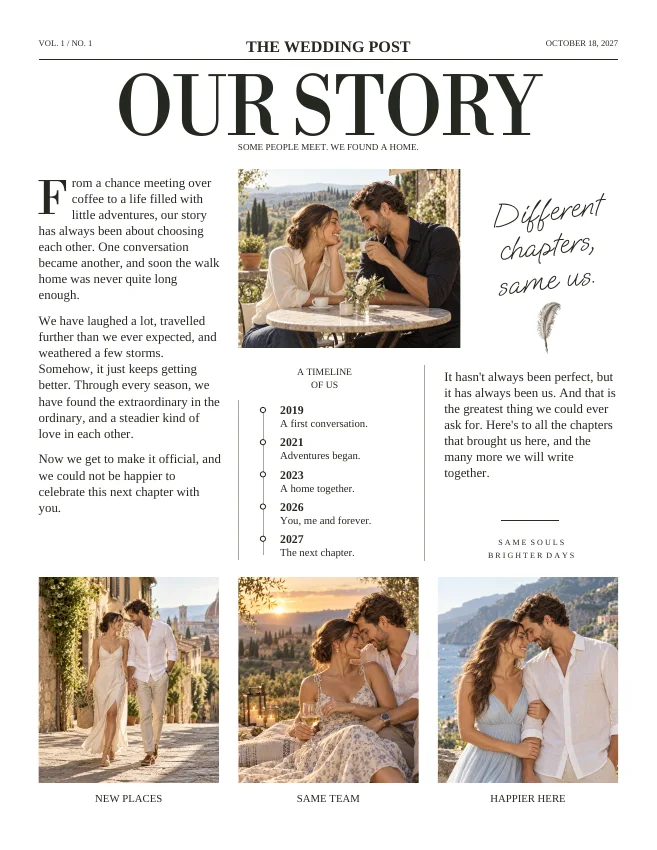
Instead of saying you love adventures, mention the train you nearly missed or the trip that became a tradition. Keep the anecdote understandable for someone meeting you today. One concrete detail often feels warmer than a long list of adjectives.
Give each page one main job
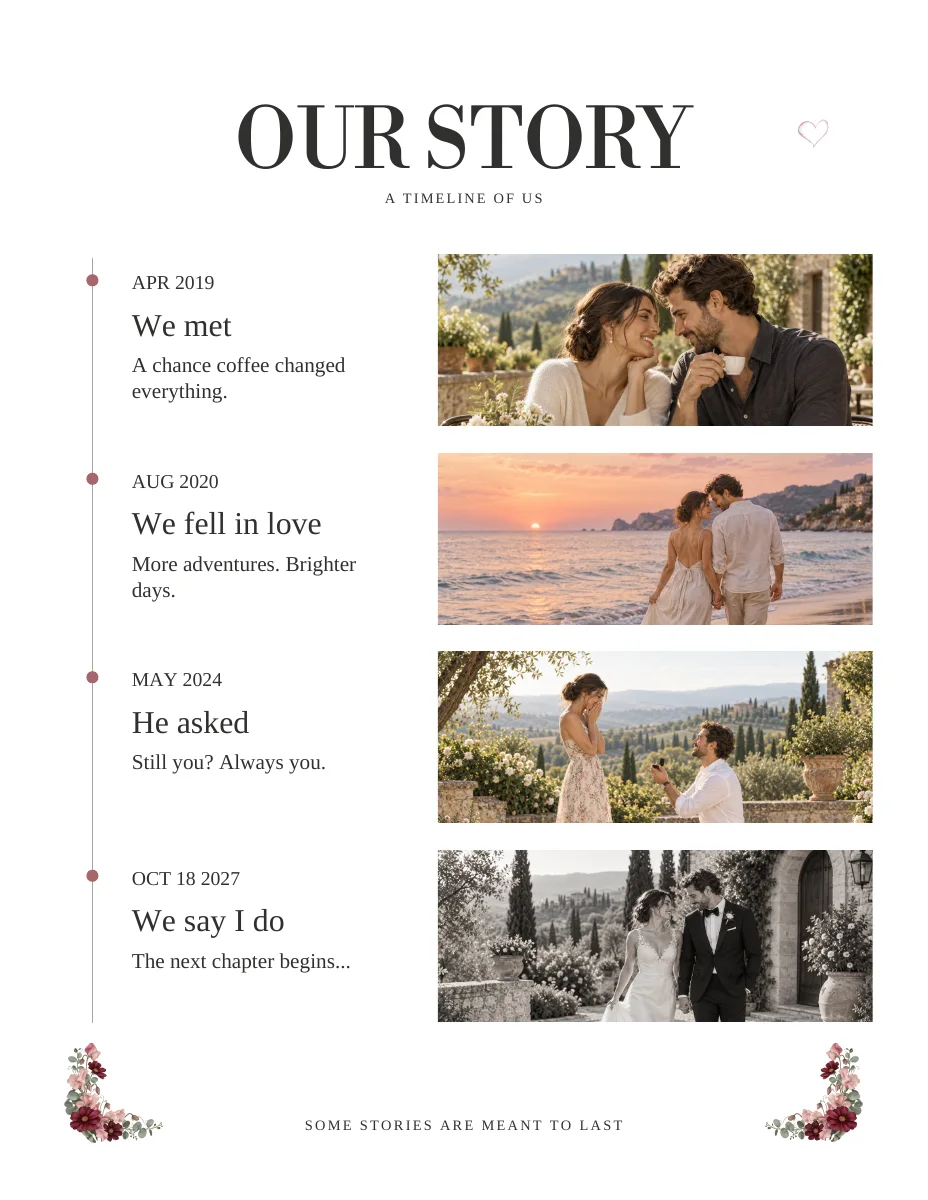
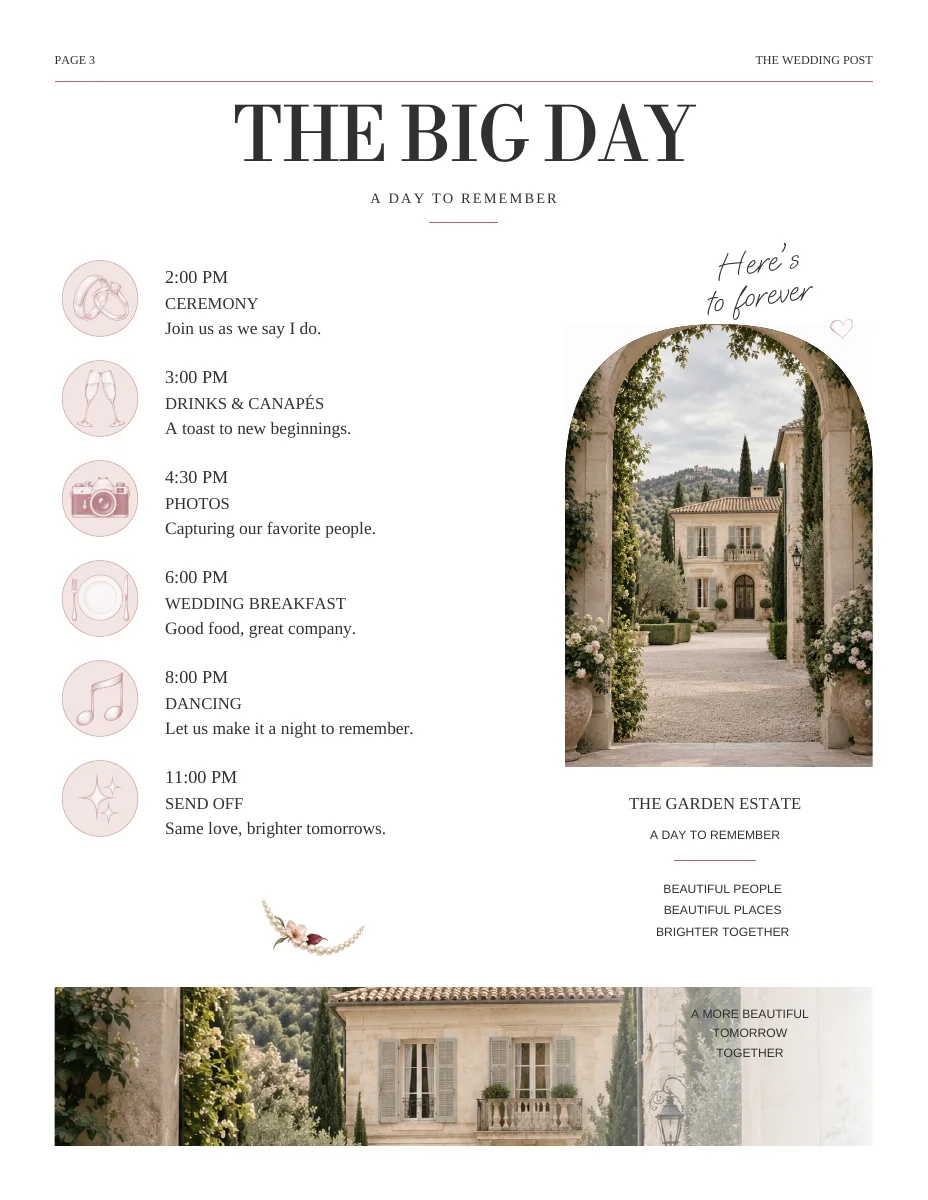
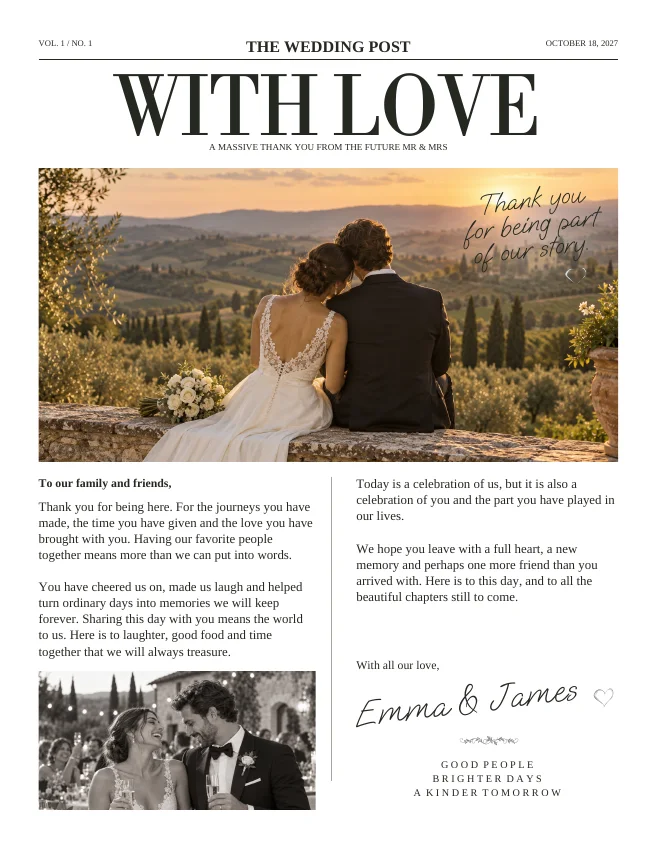
The cover introduces the celebration. The story builds connection. The schedule helps guests find their way. The thank-you closes the newspaper. Edit each page for that purpose, then review the whole issue for repeated phrases and competing headlines.
ON THE PAGE
A closer look at the design.
Actual sample pages from Editorial Classic. Open a page to explore the PDF. Replace the fictional details and sample photographs with your own.
KEEP IT SIMPLE
Before you make it yours
- One strong cover photograph
- A few specific story moments
- Accurate names and guest roles
- A final review of every personalized page
GOOD TO KNOW
A few things you might be wondering.
Is this a bespoke design service?
These are prepared layouts you personalize yourself in the online workspace. This page does not promise a designer creating a new layout on commission.
Can I change a shared detail later?
You can return to wedding details and individual pieces to make changes. Check the resulting pages before downloading a new print file.