See the file before you decide
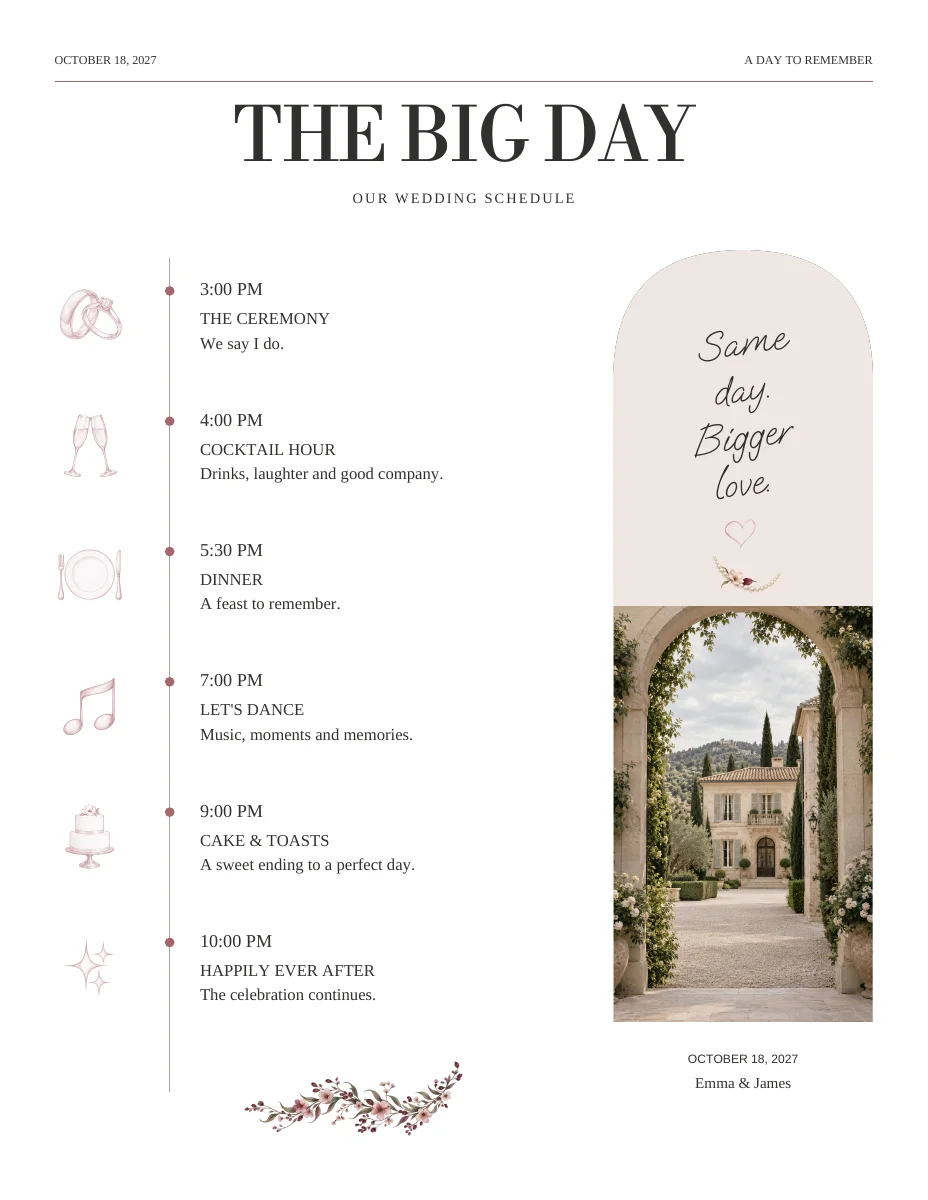
Open the sample PDF below to inspect the complete design. A browser preview is helpful for comparing layouts, while the PDF lets you check page count and proportions. The personal version uses your own photographs, names and text.
Match the printer to the PDF
Ask about accepted page size, clear margins, bleed, color handling and page order. A trim-size PDF should not be treated as a bleed-ready file. Some newspaper presses need unprinted margins; other formats support full-bleed artwork. Requirements belong to the selected print product.

Keep reading order and print order separate
Your reader expects page one, page two and so on. A folded booklet may need a different arrangement on the physical sheets. Confirm whether the printer wants individual pages in reading order or an imposed file; do not rearrange pages by guesswork.
Proof at the intended finished size
Check the smallest caption, dark photographs and any QR code on paper. If you are printing individual pages at home, inspect scaling in the print dialog. For folded output, verify the resulting folded dimensions and order with a test sheet rather than relying on an on-screen preview.
ON THE PAGE
A closer look at the design.
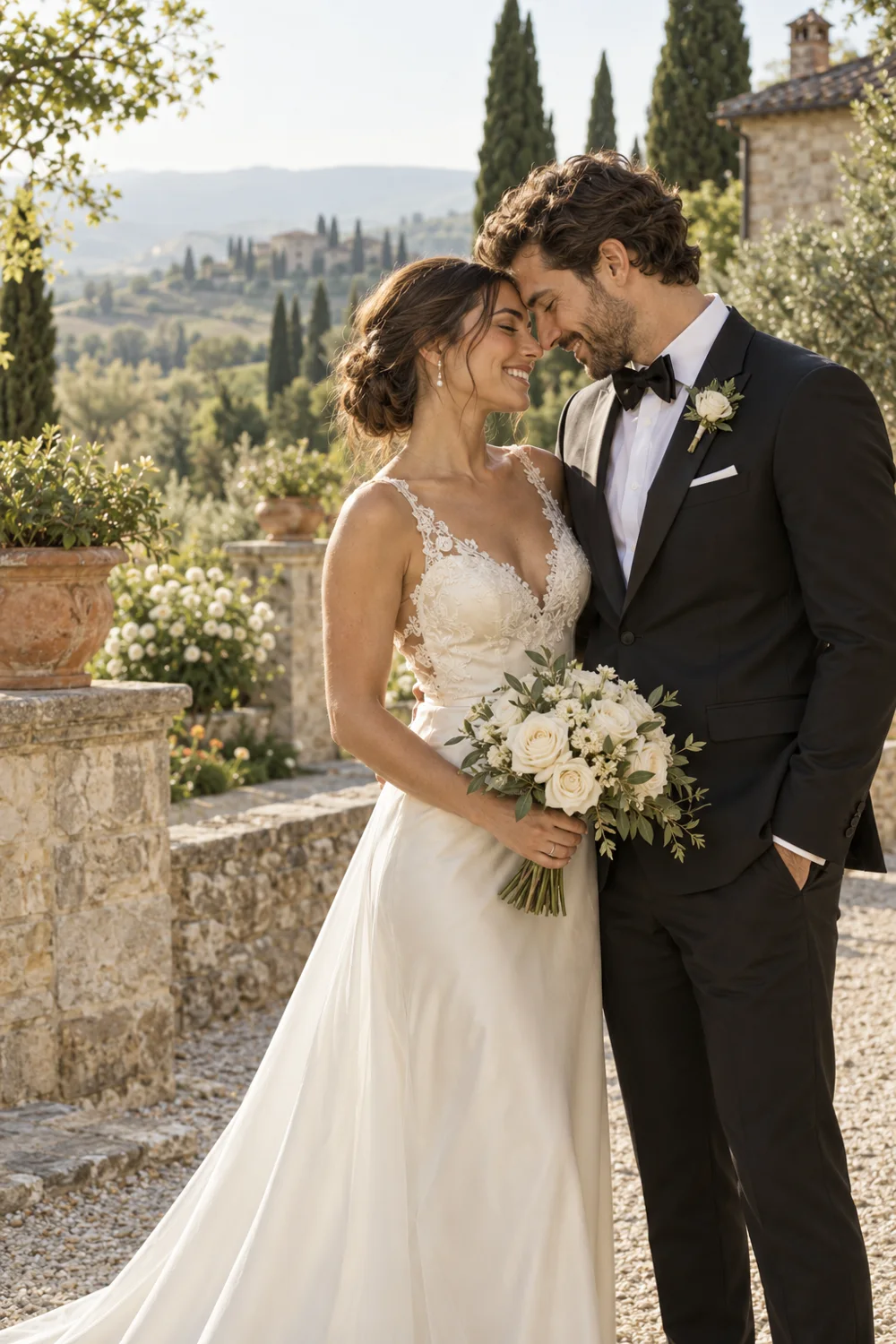
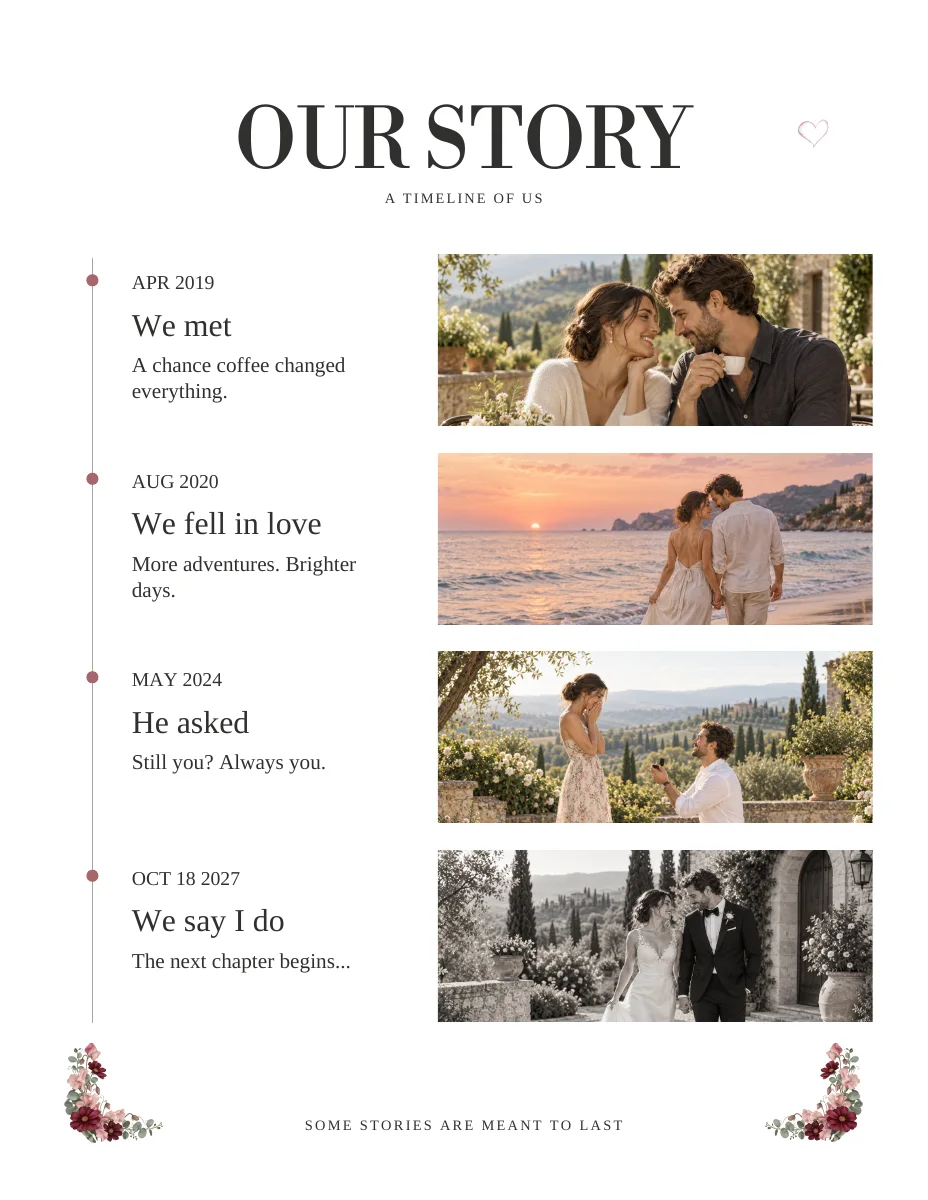
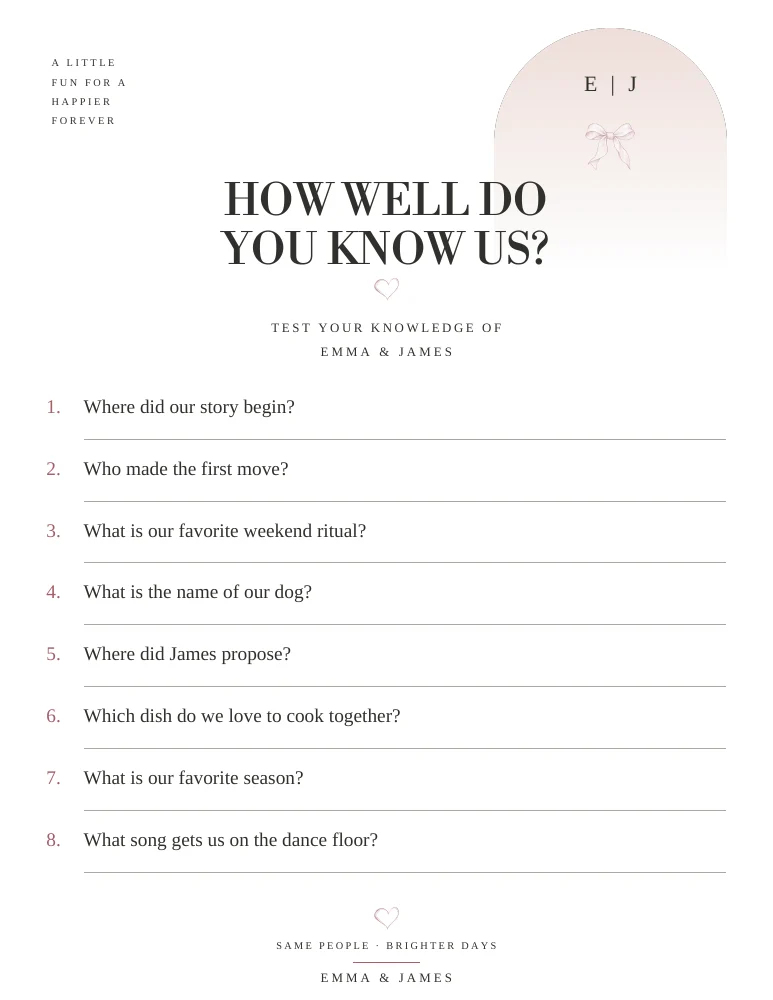
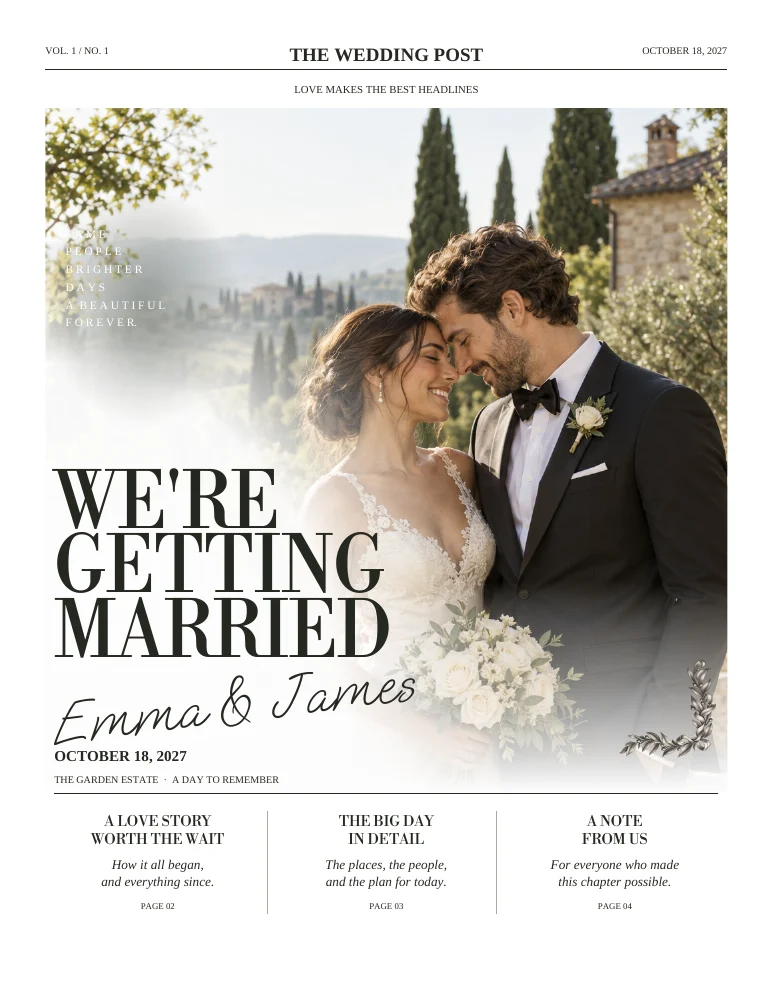
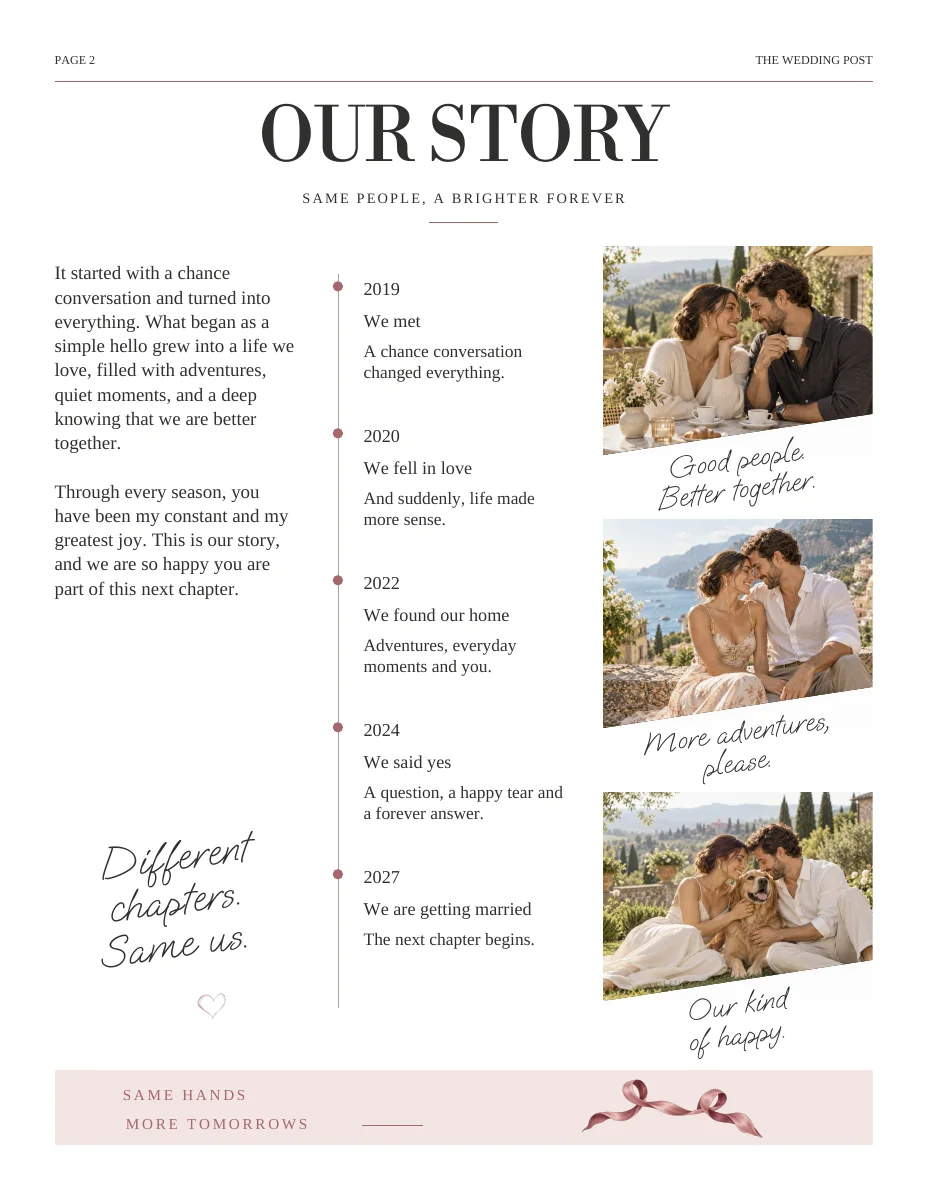
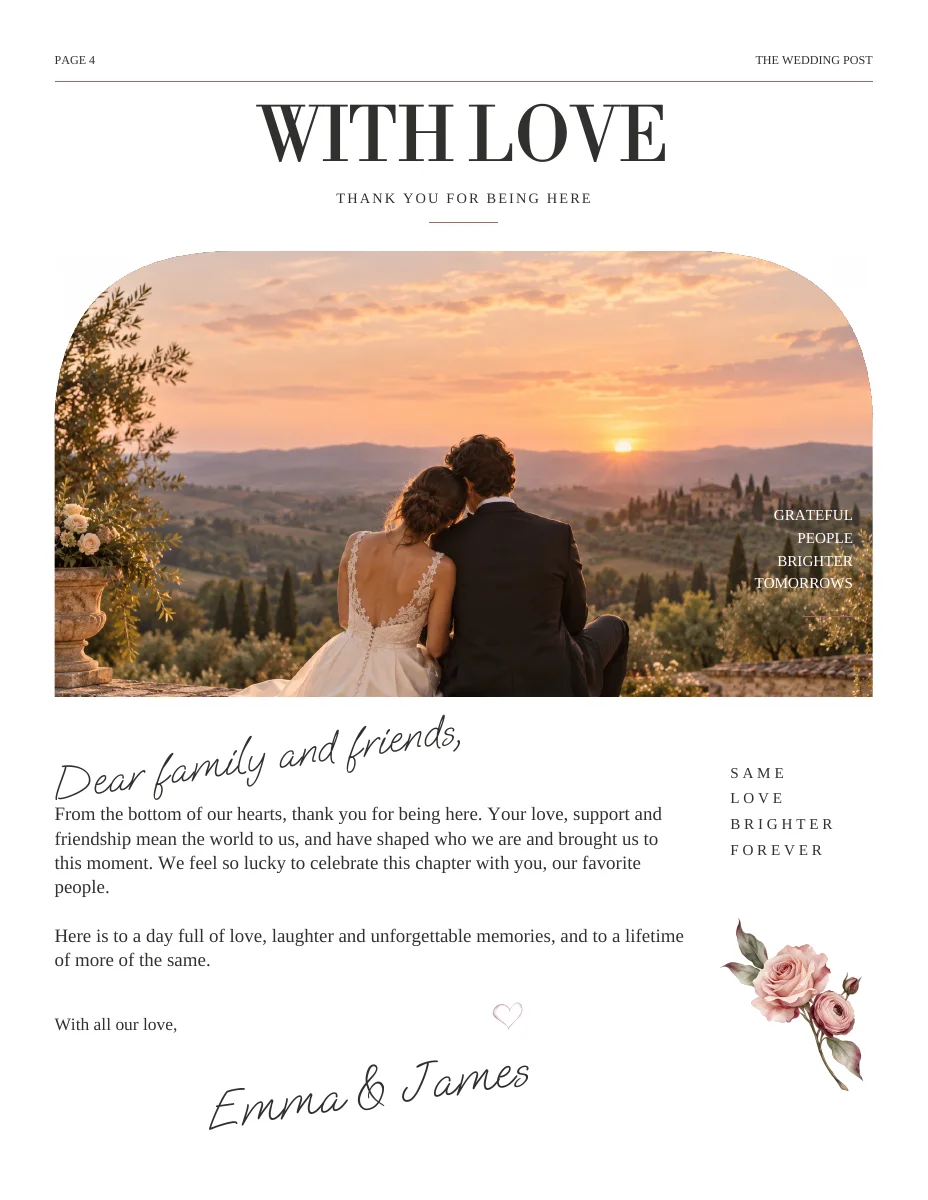
Actual sample pages from Modern Romance. Open a page to explore the PDF. Replace the fictional details and sample photographs with your own.
KEEP IT SIMPLE
Before you make it yours
- Printer accepts the PDF dimensions
- Margin and bleed requirements confirmed
- Page order agreed with the printer
- One full-size paper proof reviewed
GOOD TO KNOW
A few things you might be wondering.
Does print-ready mean every printer will accept it?
No. A PDF must match the chosen printer and print product. Confirm their specifications before ordering.
Is printing included?
No. Wedding Paper Edit provides digital designs and PDF files. Physical production is separate.