Build a focused content handoff
Request the confirmed names, date, venue, guest-facing timeline, photographs and approved copy in one place. Separate essential information from optional features. Missing transport details matter more than an unfinished trivia question.
Give the client an approval checklist
Ask one named decision-maker to confirm spellings, ceremony times, addresses and guest introductions. Treat approval of wording and approval of printing as distinct decisions. Keep the final accepted PDF identifiable so an old draft is not sent to production.

Coordinate the guest journey
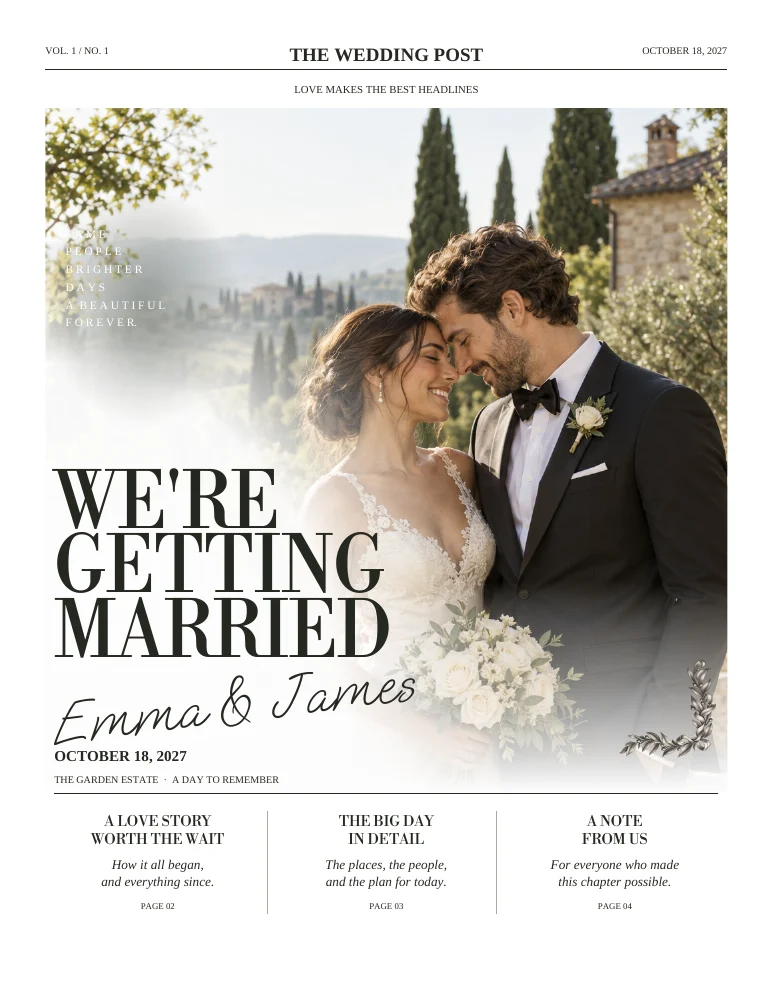
The newspaper can introduce the weekend, while signs, menus and place cards handle information at the point where guests need it. Reuse the visual style and core facts rather than making every piece repeat the full itinerary.
Confirm commercial arrangements first
The public workspace supports individual collections. Before promising a client service, confirm applicable licensing, account ownership and any commercial-use permission with Wedding Paper Edit. This page does not imply an agency dashboard, unlimited client seats or a special planner subscription.
ON THE PAGE
A closer look at the design.
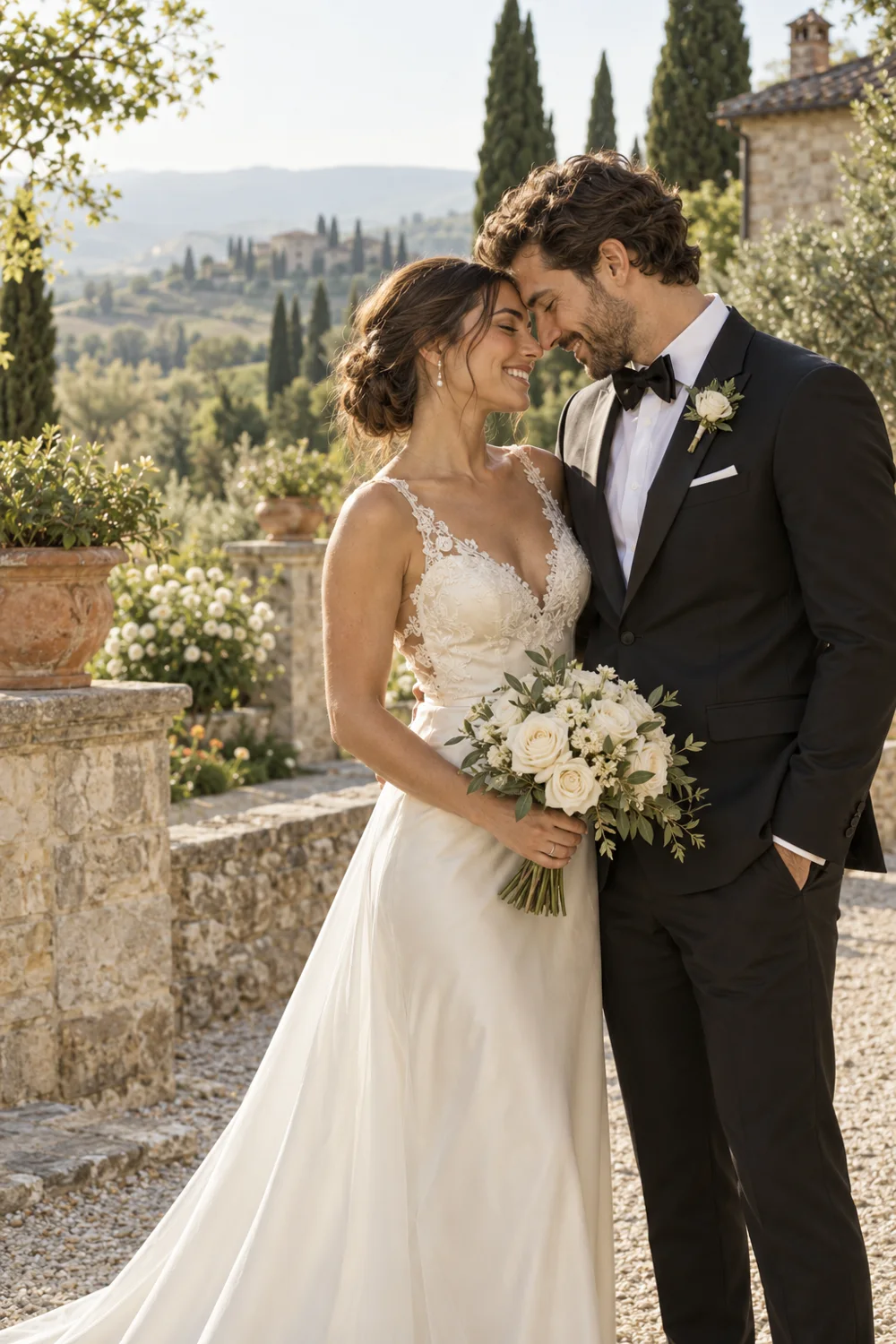
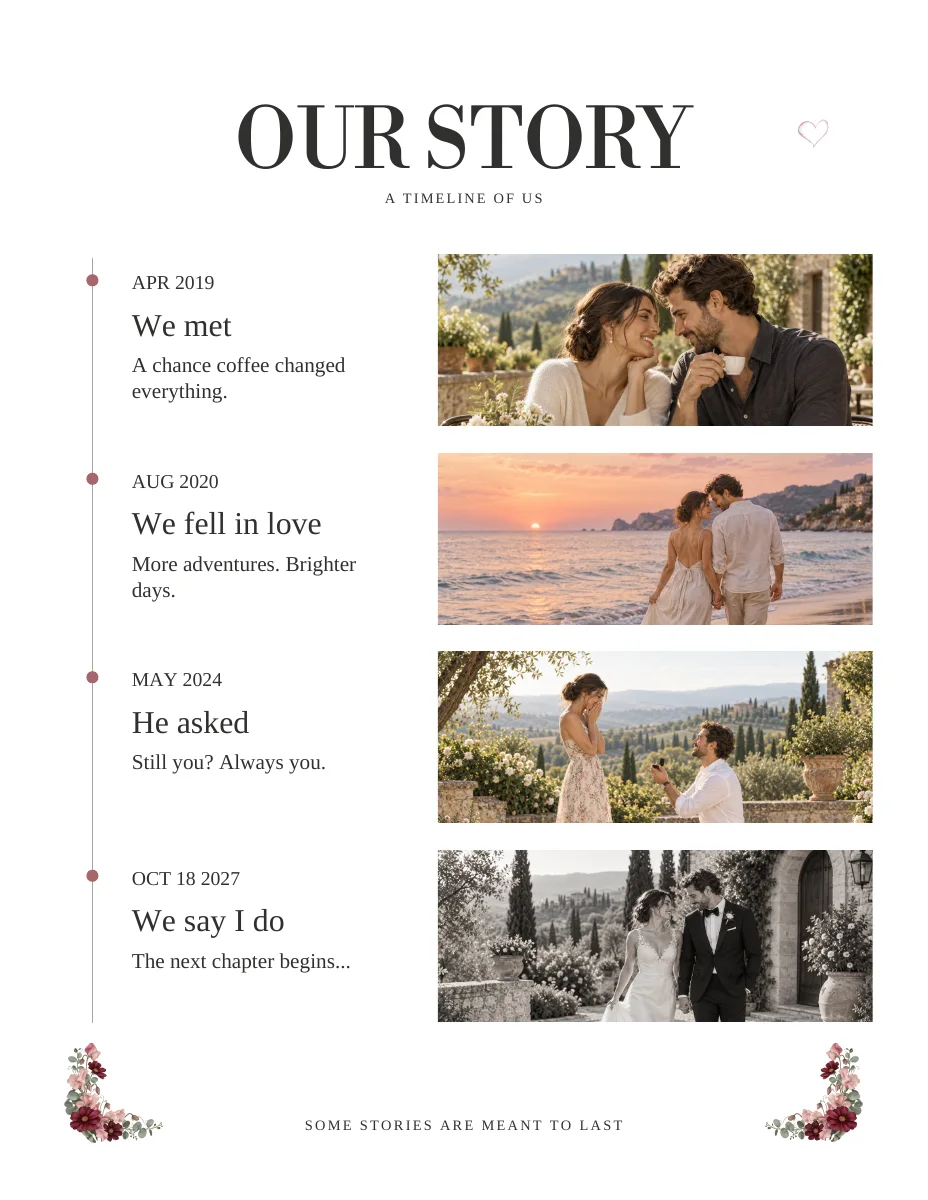
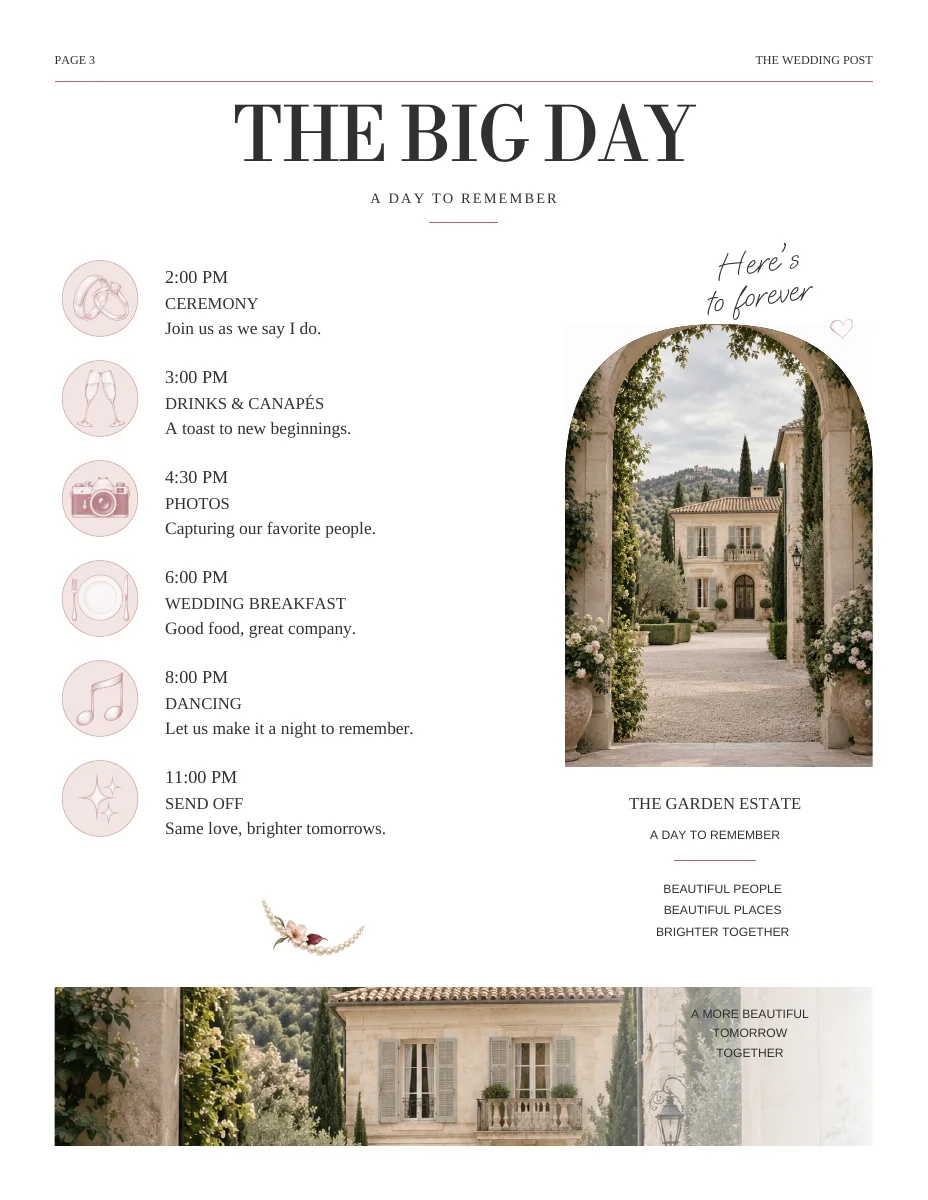
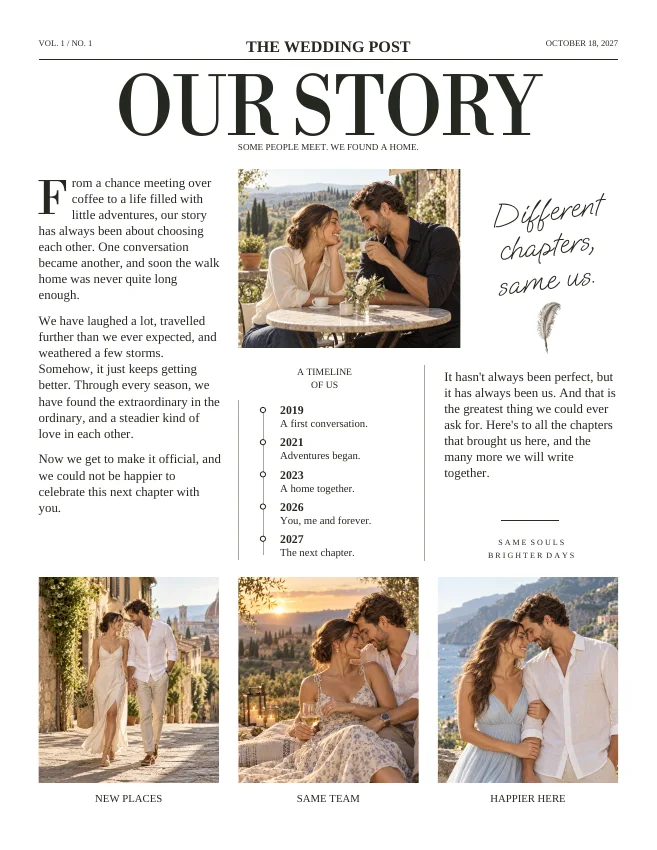
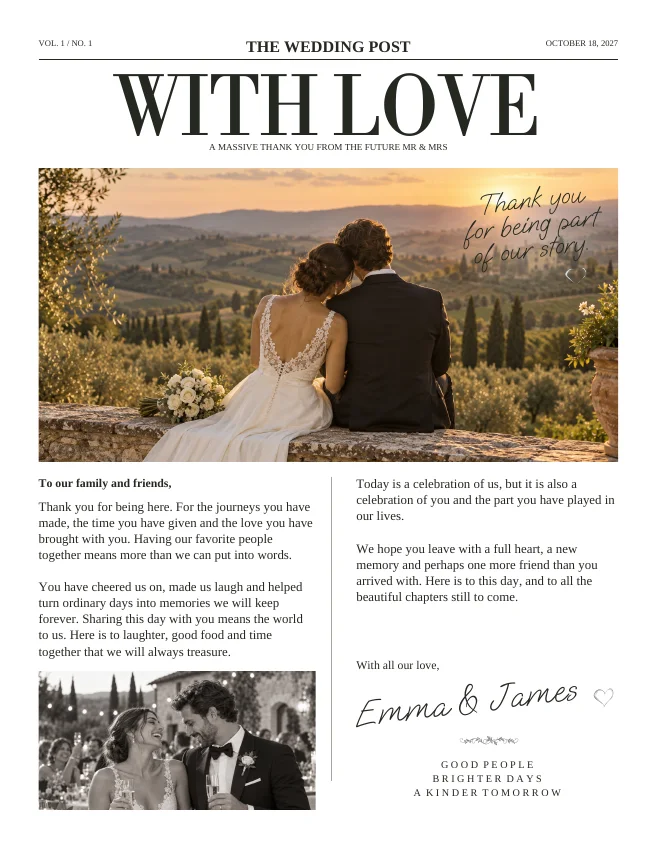
Actual sample pages from Editorial Classic. Open a page to explore the PDF. Replace the fictional details and sample photographs with your own.
KEEP IT SIMPLE
Before you make it yours
- Approved client intake
- Single source for confirmed logistics
- Named proof approver
- Licensing and account handoff agreed
GOOD TO KNOW
A few things you might be wondering.
Is there a dedicated multi-client dashboard?
A dedicated planner dashboard is not advertised here. Confirm the available workflow before using the service across multiple clients.
Can a couple continue editing?
Plan account ownership with the couple from the beginning. Avoid sharing passwords or placing multiple clients' personal information in one collection.