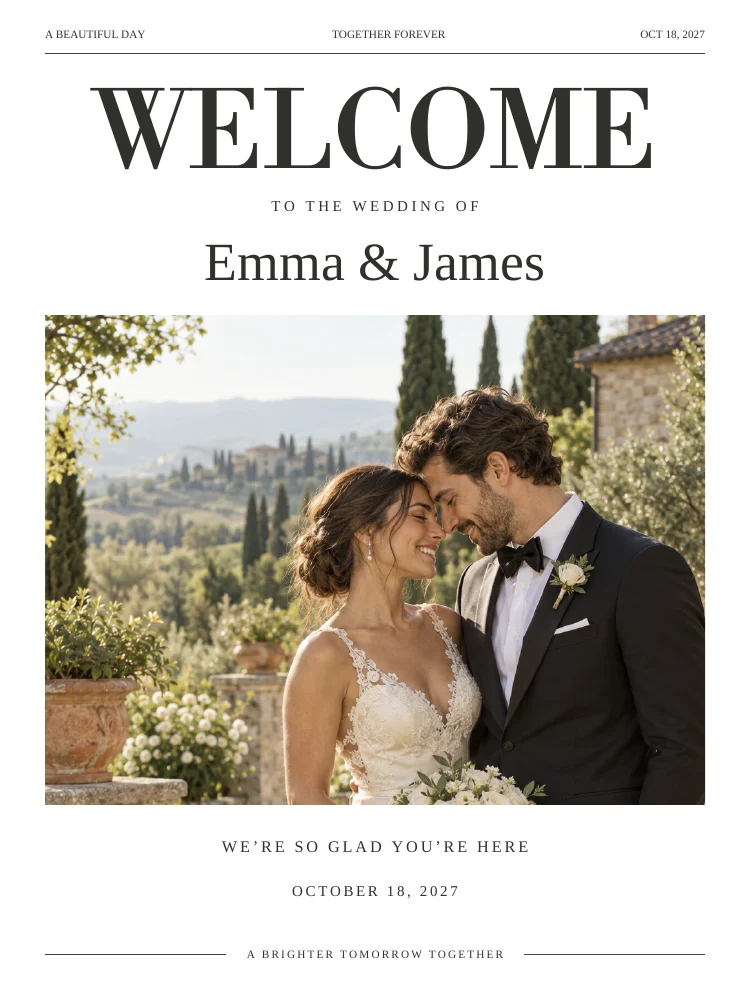
Choose signs by the route through the venue
Start at the entrance, then consider the guest book, cards and gifts, bar, seating and photo-sharing area. Avoid placing multiple instructions on a welcome sign. A short message at each destination is easier to follow.
Write instructions guests can act on
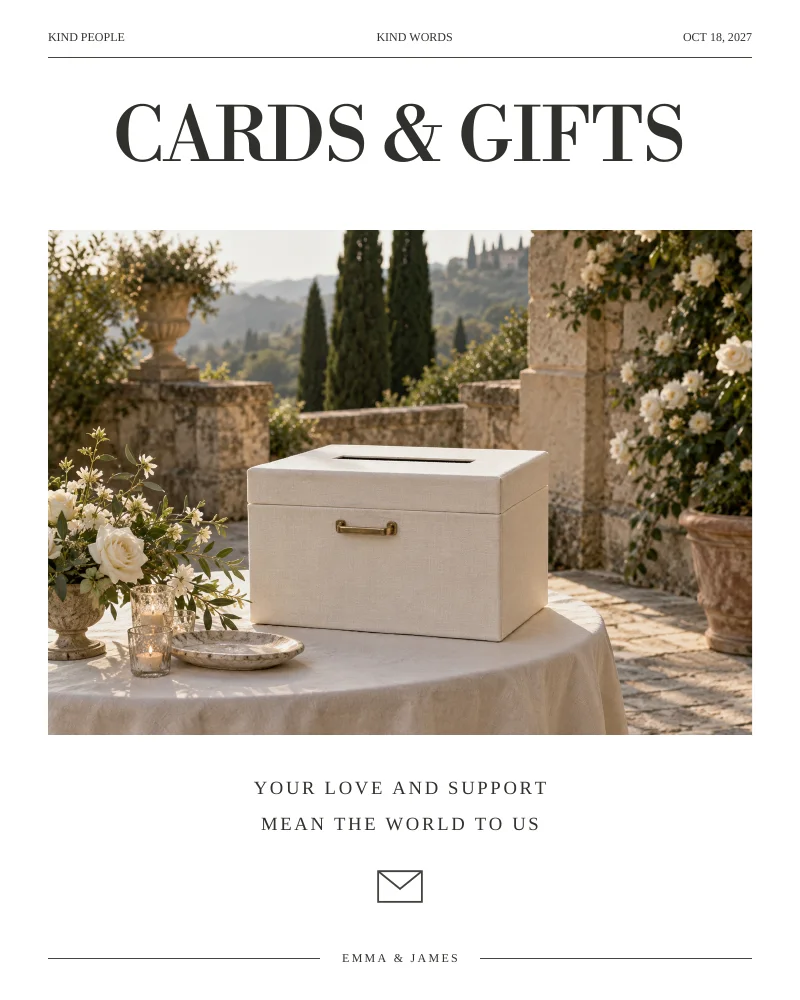
Please leave us a note is clearer than a decorative heading alone. For a photo-sharing sign, include both the link or QR code and what you want guests to do. A cards-and-gifts sign usually needs very little copy because the placement supplies the context.

Treat folded place cards as a separate format
A tent card needs the full flat design and a fold line in the right place. Do not print only the visible front panel and expect it to stand. Make one sample, score if appropriate for the stock, and check that the name reads correctly after folding.
Match size to viewing distance
A table card is read from nearby; a welcome sign may be read from across an entrance. Review the final PDF dimensions and choose a holder or frame that fits. Keep essential words away from decorative artwork and trim edges.
ON THE PAGE
A closer look at the design.
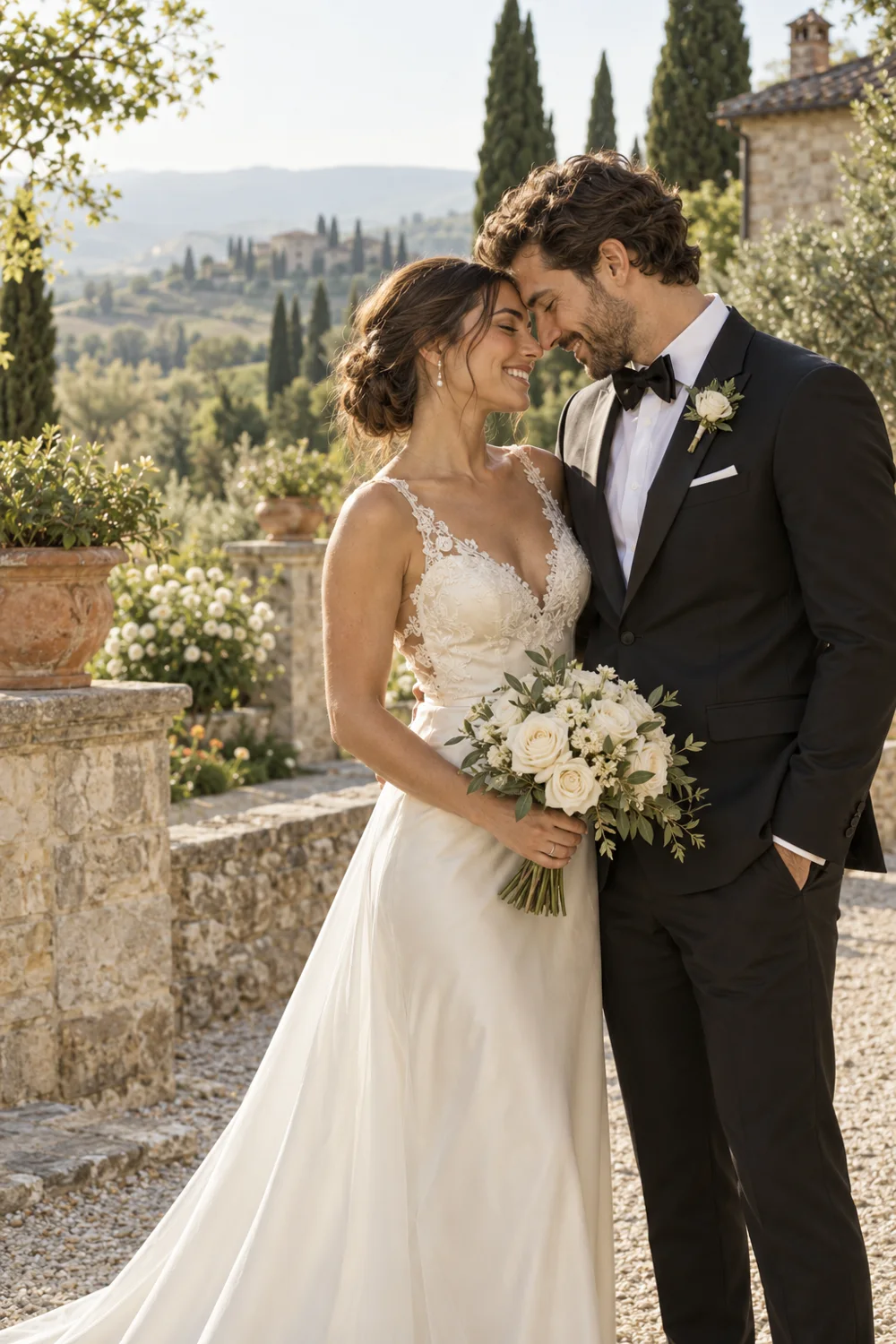
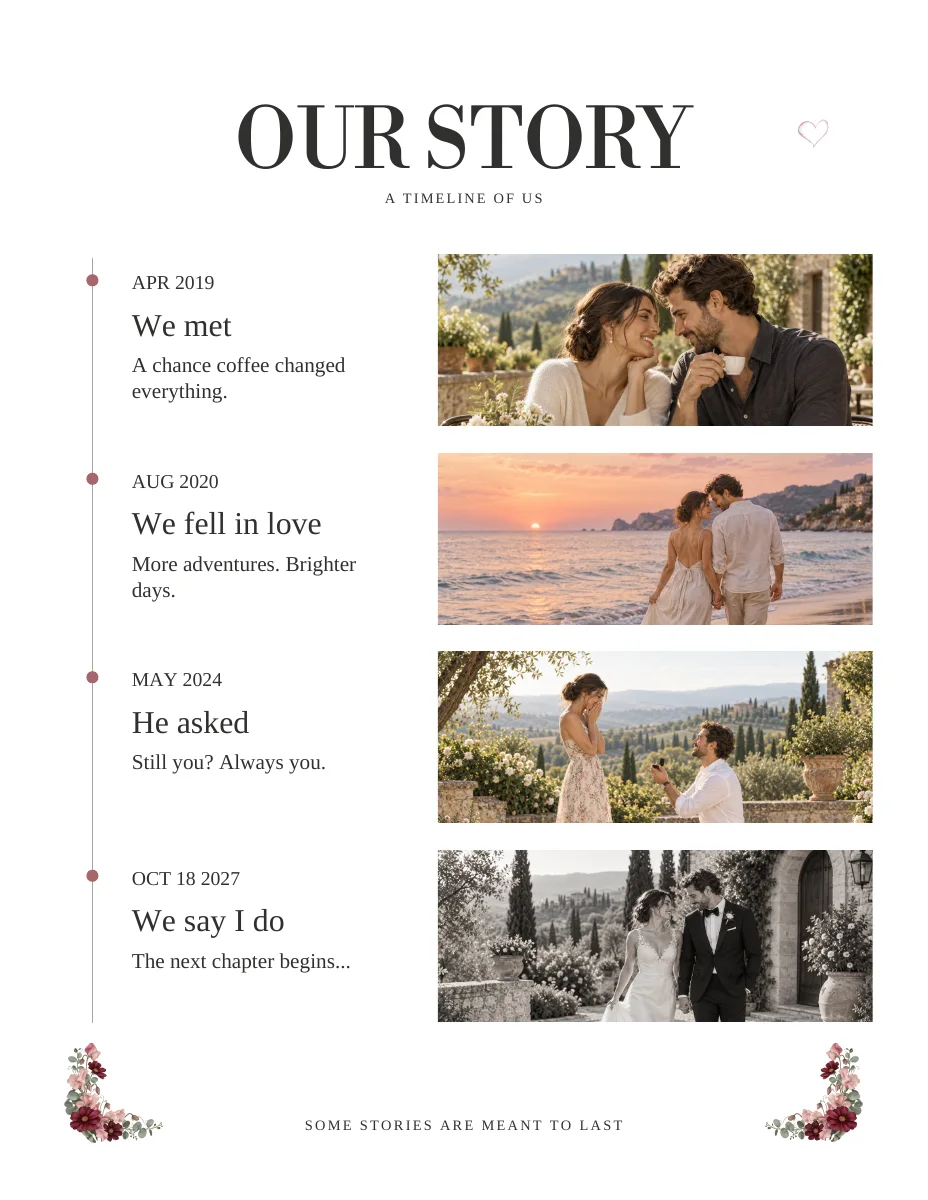
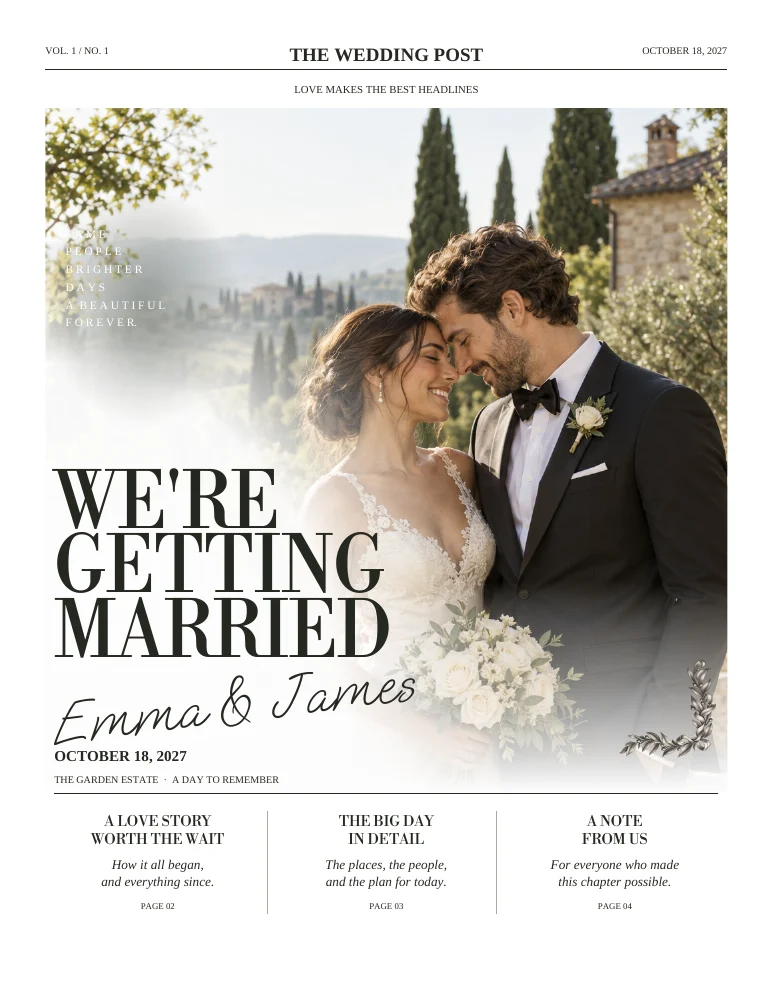
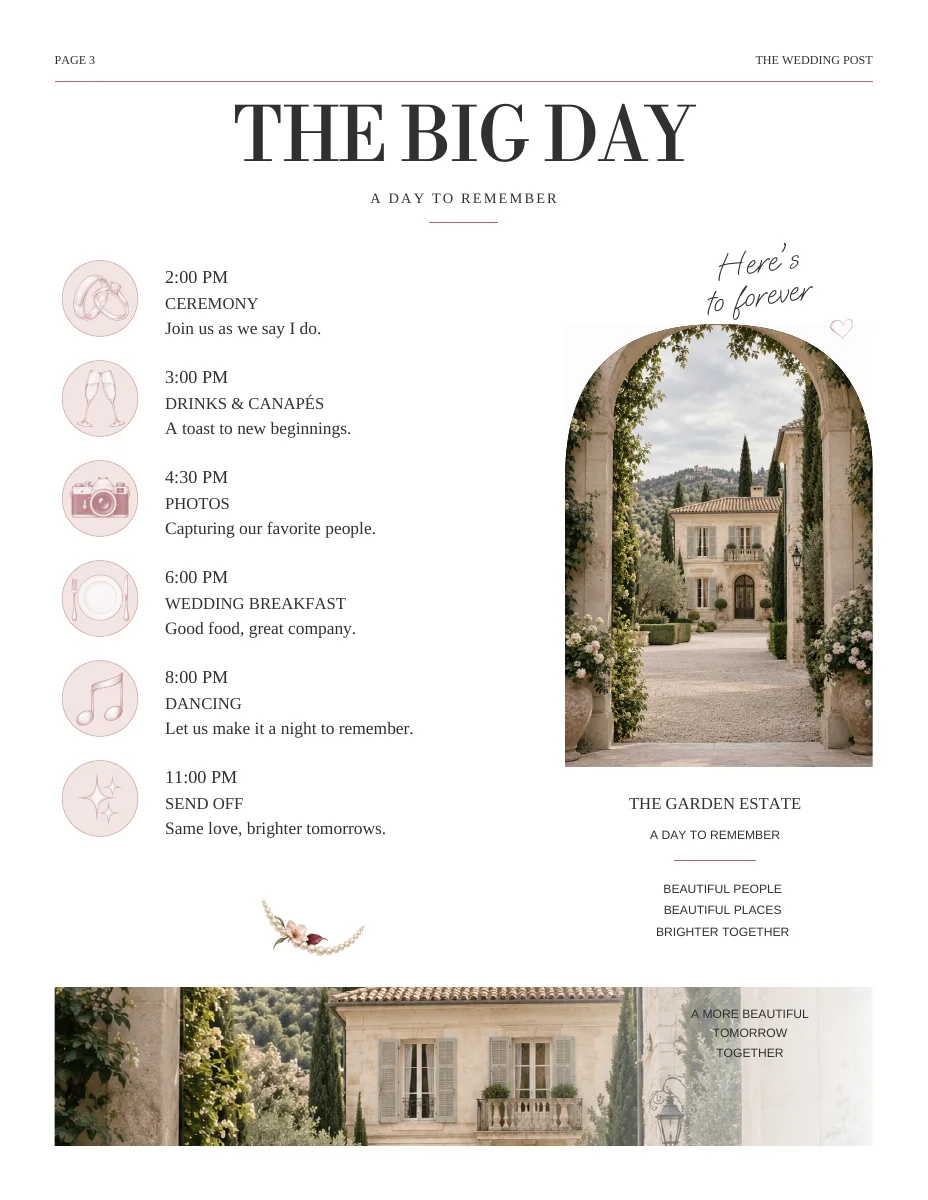
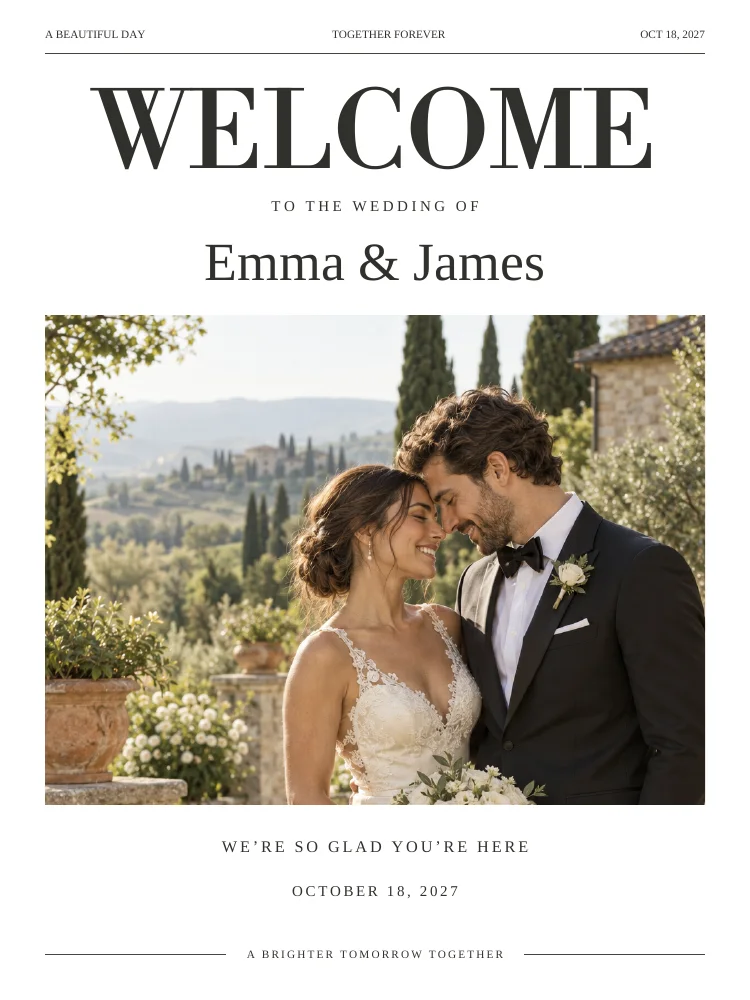
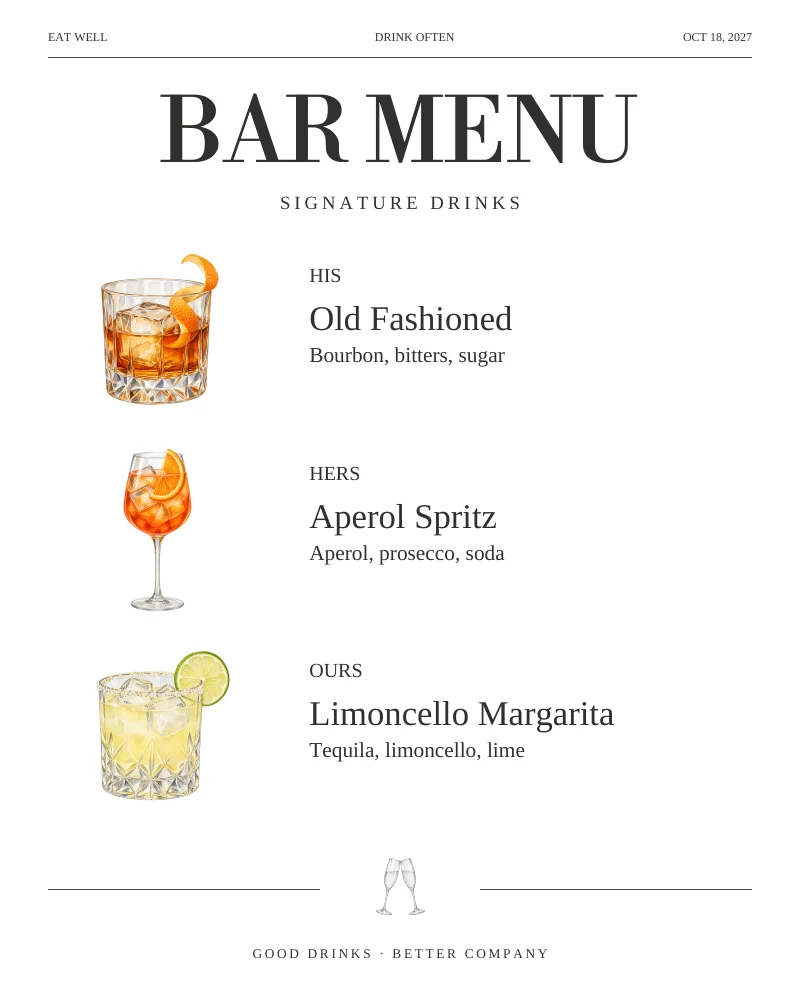
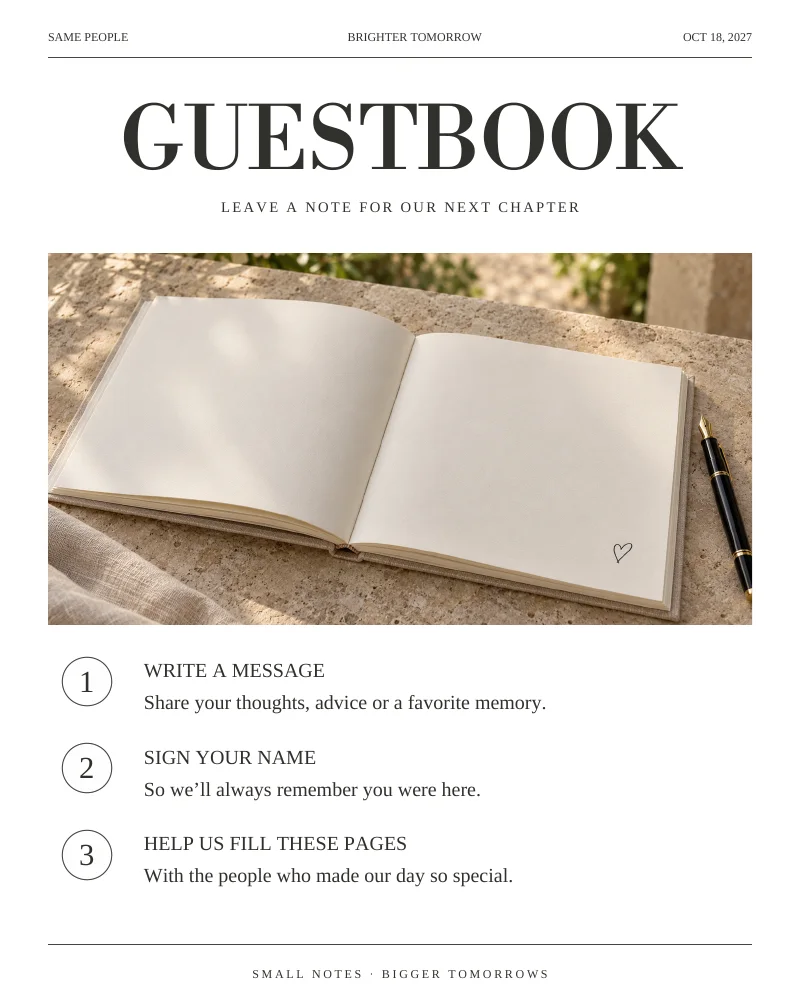
Actual sample pages from Editorial Classic. Open a page to explore the PDF. Replace the fictional details and sample photographs with your own.
KEEP IT SIMPLE
Before you make it yours
- One purpose per sign
- Clear instructions where needed
- Frame or holder fits the final dimensions
- Place cards tested after folding
GOOD TO KNOW
A few things you might be wondering.
Are these physical signs?
No. You personalize digital designs and arrange printing and display separately.
Can I print a small card as a large sign?
Check the PDF dimensions and image quality first. Enlarging a file can soften raster images and change the intended text size.